
Best Dev Tools products in 2026
65 listings
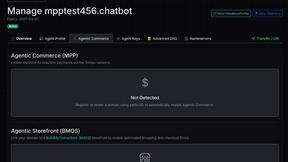
Headless Domains
Give an agent, service, or system a lasting name and connect public details that help people and software find and understand it.
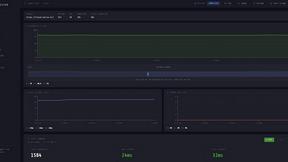
LoadTester
A distributed HTTP load testing service for APIs and websites with live analytics, threshold based auto-stop, and release workflow support.
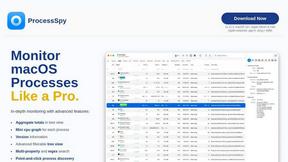
ProcessSpy
A native Mac process explorer for investigating app behavior with resource history, process details, and powerful search.

Claw Messenger
Claw Messenger connects AI agents to iMessage, RCS, and SMS through a managed API with no Mac required.


OpenMark AI
Evaluate AI models on your own workload and compare deterministic scores, actual API cost, latency, and stability side by side.
qtrl
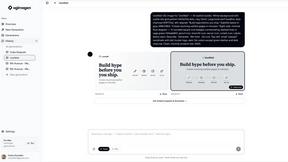
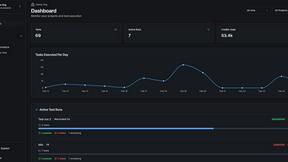
qtrl pairs test management with AI browser agents that run plain-English checks and provide logs, screenshots and human review.
Blueberry
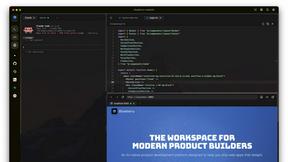
Blueberry gives web product developers one Mac workspace for coding, previews and AI models with live context from running apps.

SpeedTestry
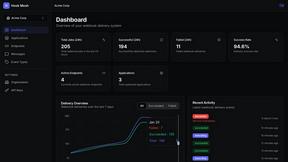
SpeedTestry checks connection speed and latency in sequence, with locally stored recent results for repeat comparisons.
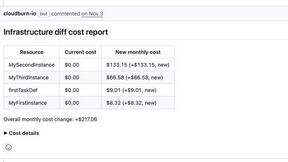
CloudBurn
CloudBurn's available CLI checks infrastructure for costly patterns and can discover potential waste in live AWS accounts.

PiPilot
PiPilot turns client briefs into editable websites, with a built-in admin that lets clients update their own content.
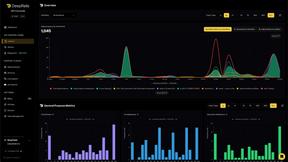

Skene
Skene connects experiment goals to tracking checks and milestone measurement for product-led growth teams.
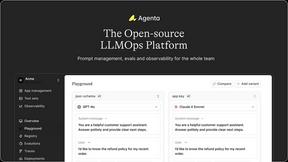
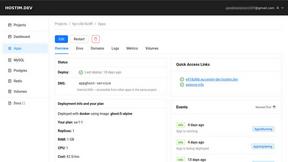
HOSTIM.DEV
Deploy Docker and Compose applications with managed databases, daily backups, and straightforward project handover.

Prefactor
Prefactor scores every agent run in production and links evaluations to actions such as approval, throttling or blocking for AI teams.

Giga AI
Giga AI is a codebase-aware assistant for building complex apps, compatible with VS Code, Cursor, Claude, Codex, and other tools.
Claude Fast
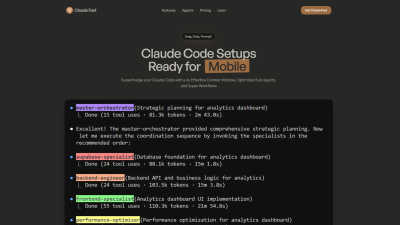
Claude Fast equips Claude Code with reusable development workflows and agents, with optional kits for marketing and e-commerce consulting.
Showing page 2 of 2 (65 products total)
About Dev Tools
Dev Tools provide developers with the software, platforms, and utilities needed to write, test, debug, deploy, and monitor code more efficiently. This category includes code editors, development environments, debugging tools, CI/CD platforms, API testing tools, version control interfaces, and developer productivity enhancers.
Whether you are writing code, managing deployments, testing APIs, monitoring application performance, or automating development workflows, these tools provide the infrastructure that modern software development demands.
Compare dev tools by their language support, integration ecosystem, performance, collaboration features, and pricing to find the right development tools for your stack and team.
Frequently asked questions
What types of developer tools are listed?
This category includes code editors and IDEs, terminal and CLI tools, API testing platforms, CI/CD solutions, debugging tools, performance monitoring, version control interfaces, code review platforms, and developer productivity extensions.
Are there dev tools for specific programming languages?
Yes. Some tools specialize in specific languages or ecosystems like JavaScript, Python, Go, or Rust, while others provide multi-language support. Check individual listings for language-specific features and compatibility.
How do dev tools improve team productivity?
Dev tools improve productivity through code completion, automated testing, streamlined deployments, collaborative debugging, shared development environments, code review workflows, and integration with project management systems.
Do dev tools support cloud development?
Yes. Many modern dev tools offer cloud-based development environments, remote container support, cloud debugging, and browser-based IDEs that allow developers to work from any device without local setup.
Are there free developer tools?
Yes. Many essential dev tools are open source or offer generous free tiers for individual developers and small teams. Paid plans typically add team management, enterprise security, and advanced scaling features.
How do I choose the right dev tools?
Consider your tech stack, team size, deployment targets, collaboration needs, and budget. Prioritize tools that integrate well with your existing workflow and offer the specific features your development process requires.