
About VideoCutout
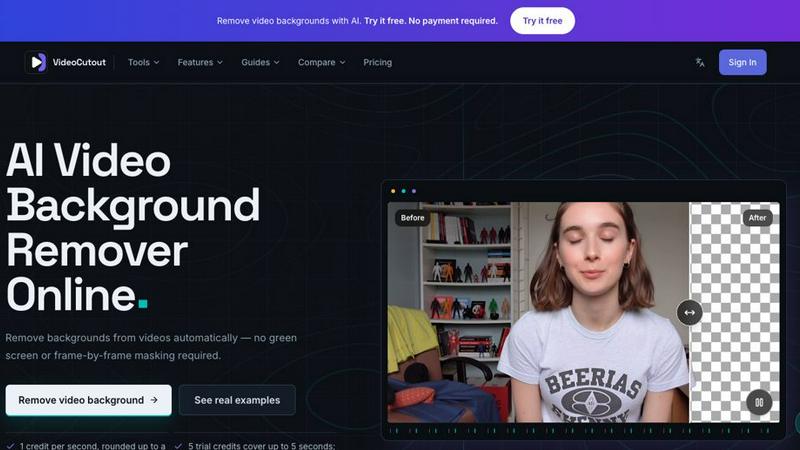
VideoCutout automatically separates foreground subjects from video backgrounds without a green screen or frame-by-frame masking. Upload MP4, MOV, WebM or GIF files, export transparent WebM, or replace the background with a custom image for creator videos, product content and compositing. Initial free usage or preview is limited; further processing or downloads may require paid credits or a subscription.
Similar to VideoCutout

Two-person AI video concept in a warm orange recording booth, with two performers sharing one microphone in natural call-and-response.

Create Kling AI videos from text, images, audio, and motion references with Kling 3.0 workflows.

Enhance photos, create images, and generate videos with an all-in-one AI enhancer.

Explore LTX 2.3 prompts, workflows, demos, and browser-based AI video tools.

Create videos from text, images, or references with HappyHorse 1.1, flexible 720P/1080P output, optional audio, and API workflows.

Create videos from podcasts, narration, voice recordings, or music with audio-aware AI, prompts, reference images, and flexible output settings.

Create Hailuo AI videos from text or images with prompt guidance, motion and camera controls, task tracking, and downloads.

Turn videos, images, and files into secure direct links for sharing, embedding, and automated workflows.