
Cloudbooklet AI vs ScreenDemos
Side-by-side comparison to help you choose the right product.

Cloudbooklet AI
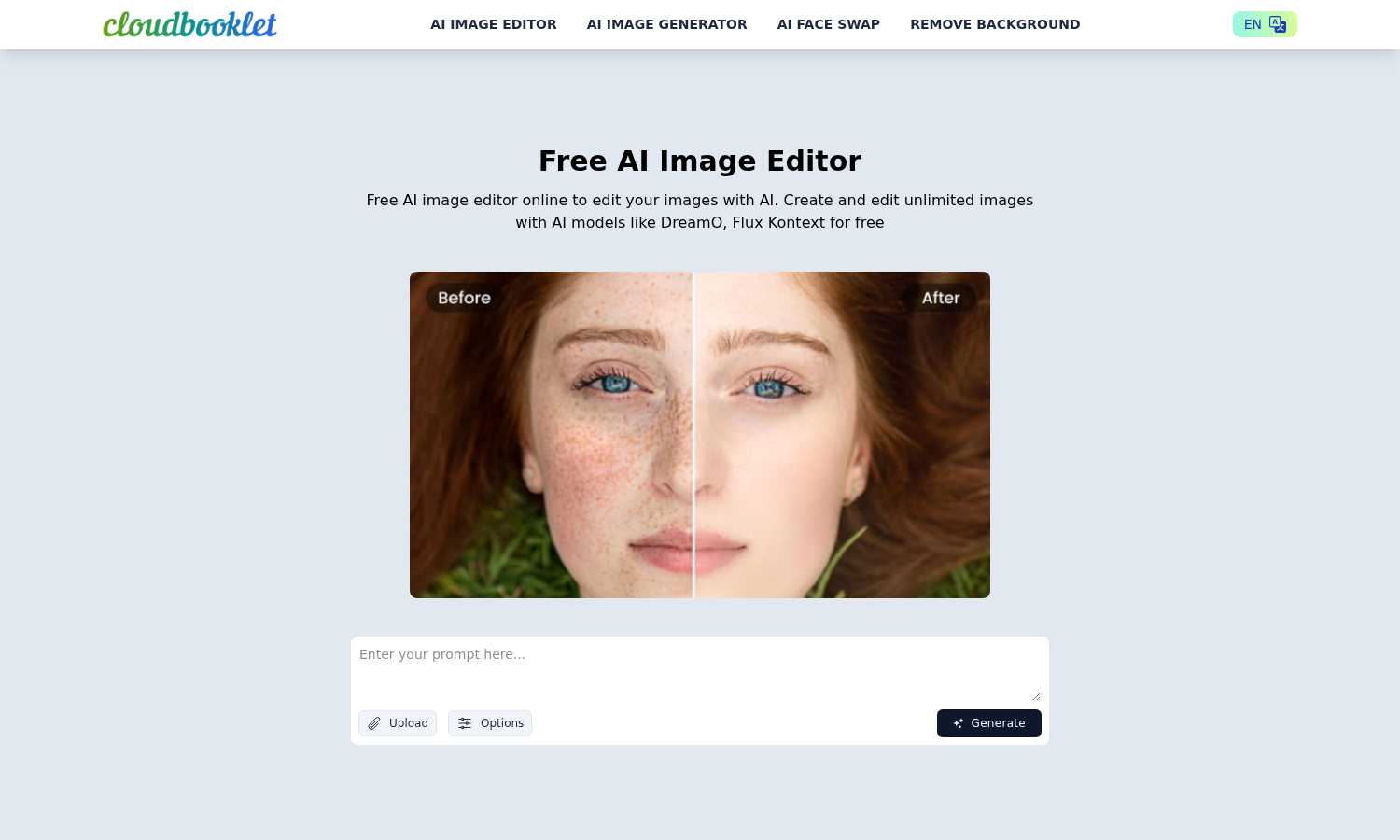
Create stunning images, chat privately, and craft stories effortlessly with Cloudbooklet AI's free online tools.
Last updated: March 1, 2026

ScreenDemos
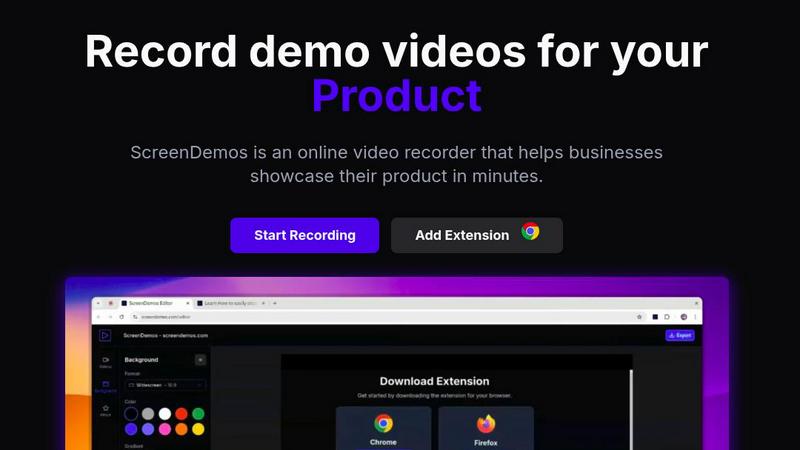
Create professional product demo videos in minutes with ScreenDemos' automatic effects and seamless recording.
Last updated: February 28, 2026
Visual Comparison
Cloudbooklet AI
ScreenDemos
Feature Comparison
Cloudbooklet AI
Free AI Private Chat
Engage in unlimited, secure conversations with an AI without needing to log in or sign up. This feature allows users to enjoy anonymous dialogue while simultaneously generating images and writing stories.
AI Image Generation
Transform your ideas into stunning visuals with Cloudbooklet AI's robust image generation capabilities. This feature harnesses the power of artificial intelligence, allowing users to create images from scratch or enhance existing ones quickly and efficiently.
Face Swap Tool
With the face swap feature, users can easily manipulate images to swap faces in a fun and entertaining way. This tool is perfect for creating unique visuals for social media or personal projects, ensuring a seamless and professional look.
Customizable AI Chat
Tailor your AI chat experience by customizing how the assistant interacts with you. This feature allows users to adjust preferences and even make the AI remember past conversations, enhancing the overall experience for personalized engagement.
ScreenDemos
Automatic Zoom Effects
With ScreenDemos' automatic zoom effects, producing engaging video demos becomes effortless. This feature guides the viewer's attention seamlessly, allowing you to highlight key areas of your screen without manual adjustments or extensive editing.
Smooth Animated Cursor
The smooth animated cursor feature enhances the viewer experience by providing a larger, more visible cursor that glides effortlessly across the screen. This makes it easier for viewers to follow along, ensuring that they do not miss critical actions during the demo.
Shortcuts Hints
Improve viewer engagement with shortcut hints displayed on-screen. This feature allows you to effortlessly showcase keyboard shortcuts during your demo, making it easier for your audience to learn and understand the functionalities of your product.
Custom Backgrounds
Personalize your demo videos with custom backgrounds that align with your brand’s identity. This feature allows you to maintain a consistent visual style across your videos, enhancing brand recognition while engaging your audience.
Use Cases
Cloudbooklet AI
Social Media Content Creation
Cloudbooklet AI is perfect for social media managers looking to create eye-catching graphics quickly. Whether it's for a campaign or a single post, users can generate images that stand out and capture attention in mere minutes.
Marketing Materials
Marketers can utilize Cloudbooklet AI to design promotional content effortlessly. From brochures to banners, the platform’s AI-driven tools enable the rapid creation of professional-grade marketing materials that effectively convey messages.
Personal Projects
Individuals can harness the power of Cloudbooklet AI for personal use, such as crafting custom images for gifts, invitations, or personal branding. Its ease of use means that anyone can bring their creative visions to life quickly.
Educational Purposes
Teachers and students alike can benefit from Cloudbooklet AI by utilizing its features for educational materials, presentations, or creative assignments. The platform's user-friendly interface makes it accessible for learners of all ages.
ScreenDemos
Product Demos for Entrepreneurs
Entrepreneurs can leverage ScreenDemos to create stunning product demos in mere minutes. Whether announcing a new feature or showcasing product capabilities, this tool helps capture potential customers' attention quickly and effectively.
Onboarding Tutorials for Teams
Design and support teams can use ScreenDemos to produce onboarding tutorials that simplify the training process. By creating clear, concise videos, teams can expedite user onboarding and reduce confusion, ultimately enhancing the user experience.
Marketing Campaigns for Marketers
Marketers can utilize ScreenDemos to produce captivating videos for marketing campaigns. By showcasing features or benefits dynamically, they can engage their audience and communicate effectively, driving higher conversion rates.
Social Media Sharing for Developers
Developers can create quick demo videos to share on social media platforms, highlighting new features or changes in their applications. This not only boosts visibility but also encourages user feedback and engagement in real-time.
Overview
About Cloudbooklet AI
Cloudbooklet AI is an innovative platform tailored for creatives who need a powerful yet accessible image editing solution. This free AI image editor streamlines the image generation and editing process, making it user-friendly and efficient for everyone, from seasoned artists to marketing professionals. With its suite of advanced AI tools, users can effortlessly tackle complex editing tasks, allowing them to focus on what truly matters: their creativity. The platform offers a no-cost option that includes a rich variety of features, ensuring that users can achieve professional-quality results without the burden of subscription fees. Cloudbooklet AI democratizes image editing, breaking down barriers and making high-level tools available to all, regardless of experience. Its intuitive interface is designed for seamless navigation, empowering users to create stunning visuals in record time and with minimal hassle.
About ScreenDemos
ScreenDemos is the revolutionary, lightning-fast solution designed to help businesses create professional-grade video demos right from their web browsers. It streamlines the traditional, often tedious process of recording, editing, and post-processing, allowing users to produce studio-quality videos in minutes instead of hours. With a user-friendly browser extension, anyone—from marketing teams and product developers to educators and support staff—can effortlessly record their screens and automatically generate engaging content. The tool enhances videos with dynamic zoom effects, smooth cursor animations, and on-screen shortcut hints, ensuring viewers remain captivated. The main value proposition is clear: eliminate the need for complex software and editing skills, enabling users to focus on communicating their ideas with speed and impact. Whether you are showcasing a product feature or creating a tutorial, ScreenDemos is engineered for efficiency and effectiveness, making it an essential tool for modern businesses.
Frequently Asked Questions
Cloudbooklet AI FAQ
How do I access Cloudbooklet AI?
You can access Cloudbooklet AI directly through their website without the need for any login or signup, making it incredibly easy to start using.
Is Cloudbooklet AI really free?
Yes, Cloudbooklet AI offers a free plan that provides access to a wide range of features without any subscription costs, allowing users to utilize its tools without financial constraints.
What types of images can I create?
With Cloudbooklet AI, you can create a variety of images, from social media graphics to professional marketing materials, all tailored to your specific needs and preferences.
Can I use Cloudbooklet AI for commercial purposes?
Yes, users can utilize images created with Cloudbooklet AI for commercial purposes, making it an excellent tool for businesses and professionals looking to enhance their visual content.
ScreenDemos FAQ
Is ScreenDemos privacy-friendly?
Yes, ScreenDemos prioritizes user privacy. It never collects or stores any user data, processing all recordings locally. Users can choose to save videos on their devices or on the ScreenDemos website, ensuring data security.
What devices are supported?
ScreenDemos is compatible with all major browsers that support extensions, including Chrome and Firefox. It works seamlessly across all operating systems, including Windows, macOS, and Linux, making it accessible for everyone.
Why do I need to give permission to the extension?
The ScreenDemos extension requires permission to access your screen for recording. This ensures that users can capture their screen accurately and utilize the tool's features effectively while maintaining security and privacy.
Can I edit my videos after recording?
Yes, ScreenDemos allows you to preview and make edits to your demo videos after recording. This means you can refine your content, add enhancements, and ensure that it meets your quality standards before sharing it with your audience.
Alternatives
Cloudbooklet AI Alternatives
Cloudbooklet AI is a powerful online platform that falls into the category of AI-driven creative tools. It enables users to generate and edit images, engage in private chats, and create stories seamlessly. Many users seek alternatives to Cloudbooklet AI for various reasons, including pricing constraints, specific feature requirements, or compatibility with different platforms. When searching for an alternative, it's essential to consider the ease of use, range of features, and whether the tool aligns with your creative needs and budget. Finding the right alternative can significantly enhance your creative workflow, so look for options that offer advanced editing capabilities, user-friendly interfaces, and any unique features that suit your projects. Evaluating customer support and community resources can also be beneficial, ensuring you have help when needed.
ScreenDemos Alternatives
ScreenDemos is a fast and efficient solution for creating professional-grade product demos directly from your web browser. As part of the content creation and design tools category, it enables users to record their screens and produce engaging videos without the hassle of traditional editing. Users often seek alternatives due to various factors, including pricing, specific feature sets, or compatibility with different platforms. Whether it's for budget constraints or the need for specialized functionalities, exploring alternatives can provide options that better suit individual or team requirements. When selecting an alternative, consider factors such as user-friendliness, the range of features offered, integration capabilities, and the overall cost. Look for tools that prioritize speed and efficiency, mirroring the streamlined experience that ScreenDemos provides. Additionally, ensure that any chosen solution aligns with your specific needs in video production and enhances your workflow.