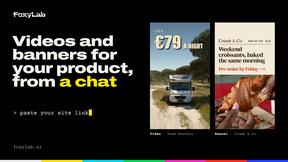
FoxyLab
AI video and banner editor in a chat. Paste your site link and get ads, launch films, explainers and banner sets in your own brand.

AI video and banner editor in a chat. Paste your site link and get ads, launch films, explainers and banner sets in your own brand.
Turn photos into AI videos for free with Goshortsai. Sign in daily for free credits, upload an image, describe the motion, and generate.
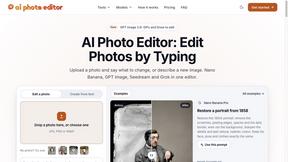
An online AI photo editor where you type what you want. Remove objects, swap backgrounds, restore old photos and restyle portraits.
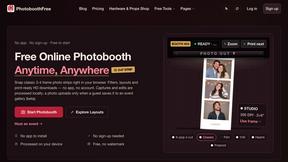
Shoot 3-4 frame photo strips in your browser. Frames, filters and print-ready 300 DPI downloads with no watermark. No app, no sign-up.
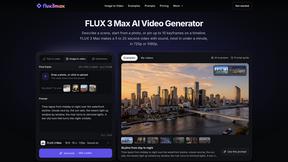
Make 5–20 s videos with sound from text, a photo or a first and last frame with FLUX 3 Max. 720p or 1080p, pay per second, from $9.90.
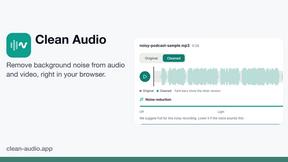
Free AI background noise remover for audio and video. Clean podcasts, voice recordings and videos in your browser with no sign-up or upload.
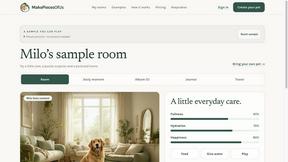
Turn your pet's photos into a private virtual room, daily care, albums and dated memories.
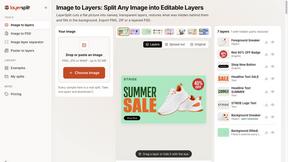
Split a flat image into named, transparent layers with the background filled in. Export PNG files, a ZIP or a layered PSD. Your first split is free.
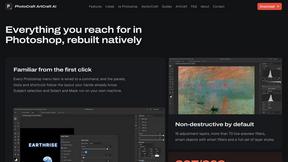
Independent guide to PhotoCraft, a free, open-source Photoshop-style image editor with PSD/PSB support for macOS, Windows and Linux.
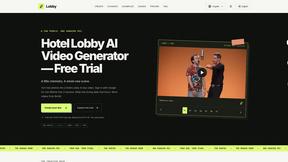
Turn two photos into a short Hotel Lobby AI duo video with friends, couples or pets.
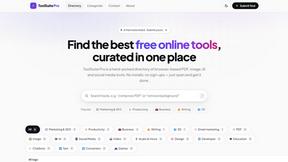
Discover the best free online tools with ToolSuite Pro. Explore AI, productivity, marketing, SEO, writing, business, and software tools in one place.

Smart online AI video generator transforming prompts and photos into dynamic video clips.
Create bold, dimensional metal lettering with adjustable finishes, depth, lighting, angle, spacing, and transparent PNG export.
Check your screen display for dead pixels using White screen or black screen checkers.

AI creative studio for cinematic photo edits, fashion transformations, festive greetings, and photo-to-video concepts.
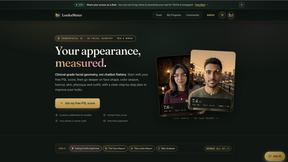
Upload one photo for a free PSL score and face rating. 47 tools cover face shape, symmetry, color season and more. No signup needed.
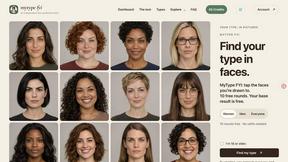
Explore your visual type through ten free rounds of fictional faces, with optional portraits, posters and five-second videos.
Convert any FlipHTML5 flipbook into a high-quality PDF online - free, open source, no signup.
Cardify turns Markdown into beautiful knowledge cards with 30+ themes, live preview and easy export.
Z Image Edit is a state-of-the-art image editing platform that falls under the categories of content creation, design tools, generative art, and image/photo editing. It leverages advanced AI technology to provide users with lightning-fast, photorealistic image generation and precise editing capabilities. Given the diverse needs of creators and designers, users often seek alternatives due to factors like pricing, feature sets, or compatibility with specific platforms. When searching for an alternative to Z Image Edit, it's crucial to consider aspects such as speed of image generation, quality of output, and the user interface's simplicity. Additionally, look for platforms that offer advanced editing features, support for various languages, and ease of use across multiple devices. These factors will help ensure that you find the right tool to meet your creative demands.
Z Image Edit is an advanced image editing platform that allows users to create and edit stunning AI-generated images quickly and efficiently.
Z Image Edit is designed for a wide range of users, from professional designers to casual creators looking for high-quality visuals.
The pricing structure for Z Image Edit varies, and users should check the official website for specific details on plans and pricing.
Key features of Z Image Edit include lightning-fast image generation, photorealistic image quality, advanced editing capabilities, and bilingual text rendering.