

FoxyLab
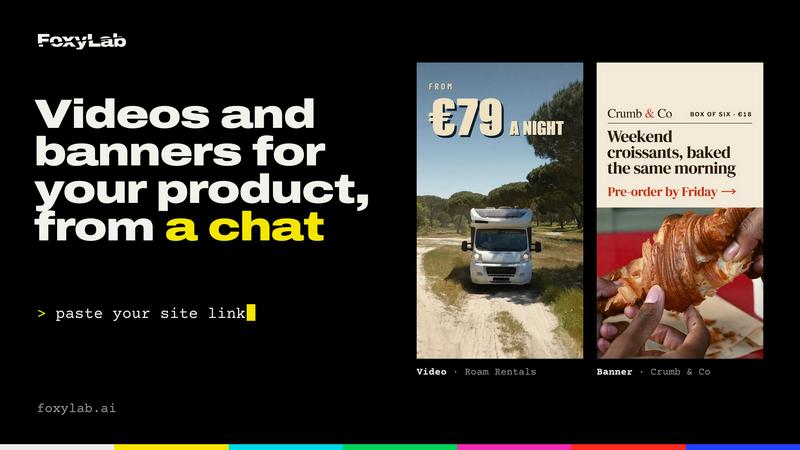
AI video and banner editor in a chat. Paste your site link and get ads, launch films, explainers and banner sets in your own brand.
Pricing
About FoxyLab
FoxyLab is an AI video and banner editor that works in a chat. You write what you need or paste your site link. FoxyLab does the rest.
How it works:
- Paste your site link or describe the product in one line.
- FoxyLab reads your brand: logo, colours, fonts, tone and screenshots.
- It asks a few short questions and offers three ideas.
- It writes the script, records the voice, builds the shots, reviews them and renders the video.
- You give notes in plain words. FoxyLab remakes only the parts a note touches.
What you get:
- Video ads, launch films, product explainers and social videos.
- Banner sets for feeds and Google Display, or any size in pixels.
- Videos in 9:16, 4:5, 1:1 and 16:9. Each size has its own layout, not a crop.
- Files in MP4, MOV, WebM, GIF, PNG and JPG. 4K on Max.
- Projects and folders you share by email. No seat fees.
- A REST API, webhooks and a remote MCP server for Claude Code, Claude Desktop, Cursor or your own agent.
FoxyLab designs each video for its brand. It uses no templates.
Similar products
Compare alternatives
Goshortsai AI Creative Studio
Turn photos into AI videos for free with Goshortsai. Sign in daily for free credits, upload an image, describe the motion, and generate.
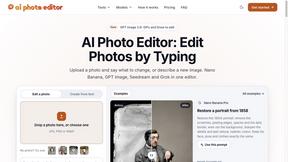
AI Photo Editor
An online AI photo editor where you type what you want. Remove objects, swap backgrounds, restore old photos and restyle portraits.
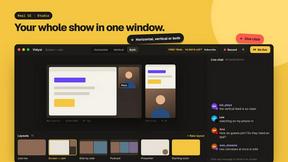
Vidyst Studio
Vidyst is a live streaming and recording app for Mac. From one session you can go live on YouTube, Twitch, X and Instagram at the same time, or to

Flux3Max.io
Make 5–20 s videos with sound from text, a photo or a first and last frame with FLUX 3 Max. 720p or 1080p, pay per second, from $9.90.
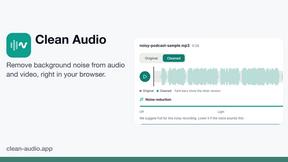
Clean Audio
Free AI background noise remover for audio and video. Clean podcasts, voice recordings and videos in your browser with no sign-up or upload.
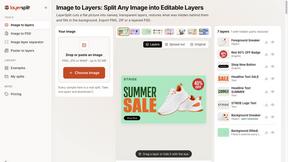
LayerSplit
Split a flat image into named, transparent layers with the background filled in. Export PNG files, a ZIP or a layered PSD. Your first split is free.
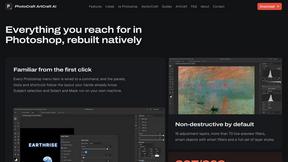
PhotoCraft ArtCraft
Independent guide to PhotoCraft, a free, open-source Photoshop-style image editor with PSD/PSB support for macOS, Windows and Linux.