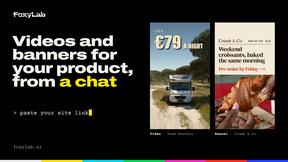
FoxyLab
AI video and banner editor in a chat. Paste your site link and get ads, launch films, explainers and banner sets in your own brand.

AI video and banner editor in a chat. Paste your site link and get ads, launch films, explainers and banner sets in your own brand.

Turn photos into AI videos for free with Goshortsai. Sign in daily for free credits, upload an image, describe the motion, and generate.
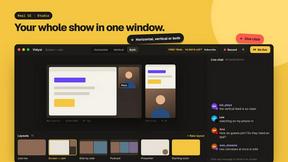
Vidyst is a live streaming and recording app for Mac. From one session you can go live on YouTube, Twitch, X and Instagram at the same time, or to

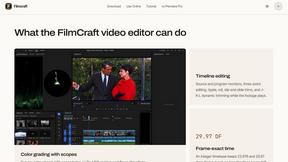
Make 5–20 s videos with sound from text, a photo or a first and last frame with FLUX 3 Max. 720p or 1080p, pay per second, from $9.90.
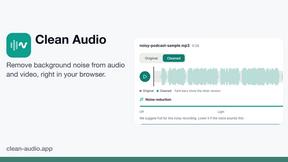
Free AI background noise remover for audio and video. Clean podcasts, voice recordings and videos in your browser with no sign-up or upload.
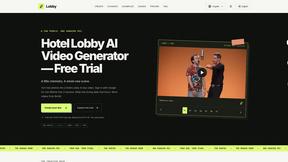
Turn two photos into a short Hotel Lobby AI duo video with friends, couples or pets.
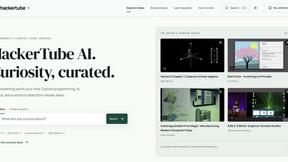
Community-curated video discovery for programming, AI, science, and technology.

Smart online AI video generator transforming prompts and photos into dynamic video clips.

AI creative studio for cinematic photo edits, fashion transformations, festive greetings, and photo-to-video concepts.
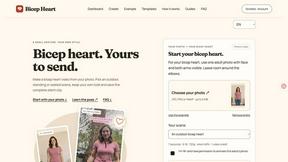
Turn one photo into a 7-second bicep heart video with outdoor, standing or seated scenes and a silent vertical MP4.

Convert any FlipHTML5 flipbook into a high-quality PDF online - free, open source, no signup.
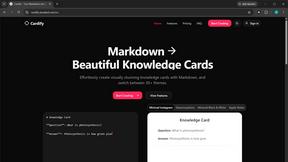
Cardify turns Markdown into beautiful knowledge cards with 30+ themes, live preview and easy export.
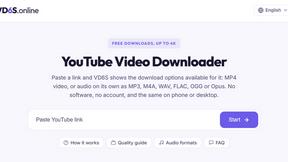
VD6S is a free online YouTube video downloader that supports HD, 4K and up to 8K downloads. Save videos in MP4 or audio in multiple formats.
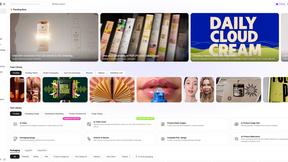
AI video ads, UGC-style videos, and product visuals for cross-border sellers and e-commerce brands.
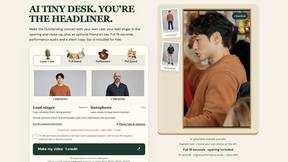
Make a 19-second desk-concert video with lead and sax, full band, Halloween or pet-band modes; audio and silent MP4.
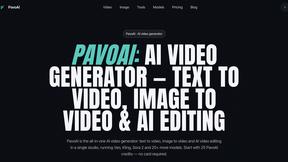
All-in-one AI video creation platform for text-to-video, image-to-video, editing, avatars, music, subtitles, and upscaling.

Turn two photos into a cinematic AI kissing video. Pick one of 13 kiss video templates; 30 free credits on sign-up.
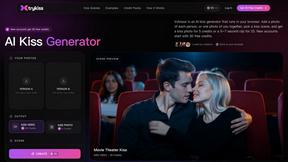
AI kiss generator: add a photo of each person, pick a kiss scene, and get a kiss photo or a 5–7 second clip. 30 free credits.
Seedance 2.0 is an advanced AI video generation platform designed to create stunning cinematic videos from text or images. It belongs to the content creation category and is tailored for creators, marketers, and developers who want to produce professional-grade videos without the hassle of traditional filming and editing processes. Users often seek alternatives to Seedance 2.0 for various reasons, including pricing structures, specific feature sets, or compatibility with their existing platforms. When choosing an alternative, it's crucial to consider factors such as ease of use, creative control, output quality, and the specific needs of your projects to ensure the platform aligns with your goals.
Seedance 2.0 is an AI video generation platform that transforms text prompts and images into high-quality cinematic videos.
Seedance 2.0 is designed for creators, marketers, and developers looking to generate professional-grade videos quickly and easily.
Seedance 2.0 is not free; it offers various pricing plans tailored to different user needs.
Main features include advanced AI video models, customization options for style and motion, and user-friendly controls for video creation.