

Alternatives to ScreenDemos
Create professional product demo videos in minutes with ScreenDemos' automatic effects and seamless recording.
Explore 20 alternatives to ScreenDemos. Compare features, pricing, and find the best fit for your needs.
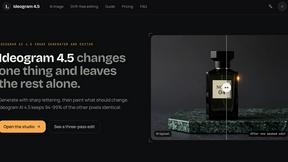
Ideogram 4.5
AI image generation and editing with precise typography, native 2K output, and localized edits.
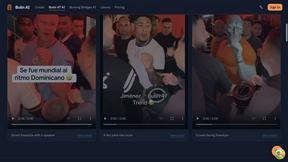
Bulin AI
Upload one portrait. Bulin AI puts you in the official Bulin 47 freestyle. The source video guides the moves and camera. No prompt.
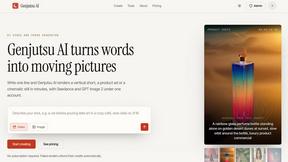
Genjutsu AI
Genjutsu AI turns your ideas into cinematic videos, product ads, social shorts, and high-quality images in minutes.
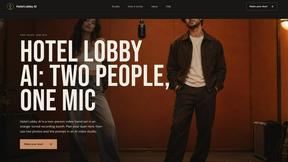
Hotel Lobby AI
Two photos become one hotel lobby video. One person stands on each side of the hanging microphone. No prompt.
hotel-lobby
Two-person AI video concept in a warm orange recording booth, with two performers sharing one microphone in natural call-and-response.
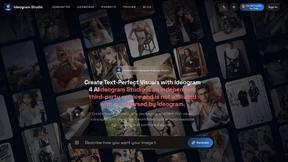
Ideogram Studio
Create readable text, logos, posters, ads, packaging, and ecommerce visuals with Ideogram 4 AI workflows.
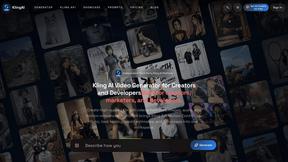
TryKlingAI
Create Kling AI videos from text, images, audio, and motion references with Kling 3.0 workflows.
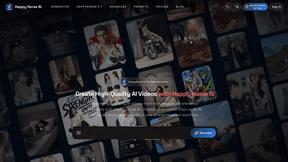
Happy Horse AI
Create videos from text, images, or references with HappyHorse 1.1, flexible 720P/1080P output, optional audio, and API workflows.
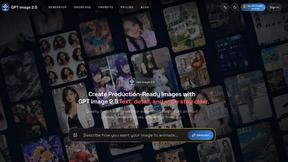
GPT Image 2 API
Generate and edit production-ready images with GPT Image 2 API, detailed prompts, reference images, readable text, and developer-friendly workflows.
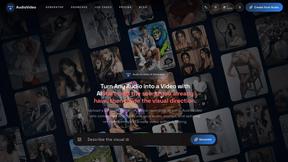
AudioVideo
Create videos from podcasts, narration, voice recordings, or music with audio-aware AI, prompts, reference images, and flexible output settings.
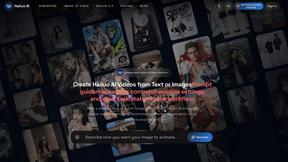
Hailuo AI
Create Hailuo AI videos from text or images with prompt guidance, motion and camera controls, task tracking, and downloads.
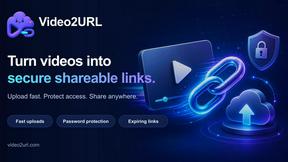
Video2URL
Turn videos, images, and files into secure direct links for sharing, embedding, and automated workflows.
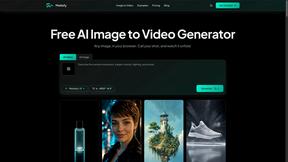
Motiofy
Motiofy is an AI creative workspace that helps creators and teams turn ideas into polished visual stories.
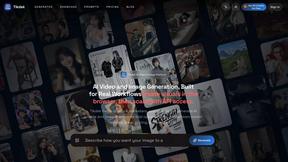
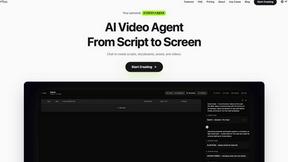
Pixo
Pixo is an AI video director that turns a prompt or script into a storyboard, consistent scenes, voiceover, and an edited final cut.
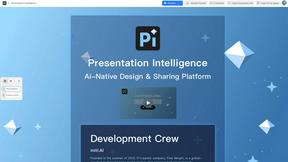
Presentation Intelligence
AI-native presentation and visual content platform that turns prompts, documents, images, videos, and data into polished, shareable decks.
About ScreenDemos Alternatives
ScreenDemos is a fast and efficient solution for creating professional-grade product demos directly from your web browser. As part of the content creation and design tools category, it enables users to record their screens and produce engaging videos without the hassle of traditional editing. Users often seek alternatives due to various factors, including pricing, specific feature sets, or compatibility with different platforms. Whether it's for budget constraints or the need for specialized functionalities, exploring alternatives can provide options that better suit individual or team requirements. When selecting an alternative, consider factors such as user-friendliness, the range of features offered, integration capabilities, and the overall cost. Look for tools that prioritize speed and efficiency, mirroring the streamlined experience that ScreenDemos provides. Additionally, ensure that any chosen solution aligns with your specific needs in video production and enhances your workflow.
FAQs about ScreenDemos Alternatives
What is ScreenDemos?
ScreenDemos is a browser-based tool that allows users to record professional product demos quickly and easily, without the need for extensive editing.
Who is ScreenDemos for?
ScreenDemos is ideal for marketing teams, product teams, design teams, and support teams looking to create engaging video content efficiently.
Is ScreenDemos free?
ScreenDemos offers various pricing plans, and users can check their website for detailed information on costs and features.
What are the main features of ScreenDemos?
Key features include automatic zoom effects, smooth animated cursor enhancements, and shortcut hints display, all designed to improve viewer engagement.