

Alternatives to Plate Photo AI
Turn ordinary phone food shots into menu-ready images in seconds with AI that boosts orders and sales.
Explore 20 alternatives to Plate Photo AI. Compare features, pricing, and find the best fit for your needs.
FlipHTML5 Downloader
Convert any FlipHTML5 flipbook into a high-quality PDF online - free, open source, no signup.

Cardify
Cardify turns Markdown into beautiful knowledge cards with 30+ themes, live preview and easy export.

VD6S
VD6S is a free online YouTube video downloader that supports HD, 4K and up to 8K downloads. Save videos in MP4 or audio in multiple formats.

Safe Outreach
AI-powered platform that evaluates the safety of LinkedIn automation tools and helps reduce the risk of account restrictions.
ButterShare
Send files straight between two browsers with a 6-digit key. No signup, no install, nothing stored on a server.

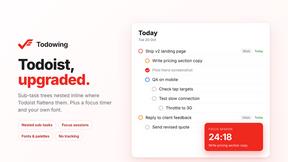
Todowing
Chrome extension that nests sub-tasks inline in Todoist's Today, Upcoming, Filter and Label views, where Todoist shows them flat.
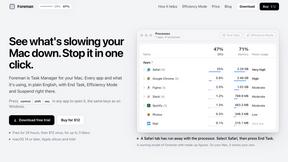
Foreman
See every app and what it's using in plain English, and end or slow down the one that's hogging your Mac.
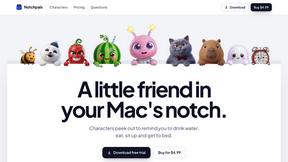
Notchpals
Little characters peek out of your Mac's notch to remind you to drink water, eat, sit up and get to bed. Quiet during calls. $4.99 once.
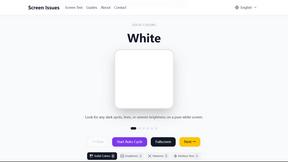
Screen Issues
Free Online Screen Test Tool - Instantly diagnose dead pixels, lines, color issues, and flickering. Multiple test modes, no download needed.
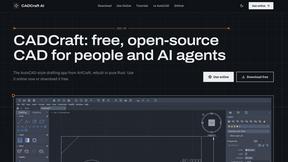
CADCraft
Free open-source 2D CAD for precise drafting, technical documentation, and AI-assisted automation.
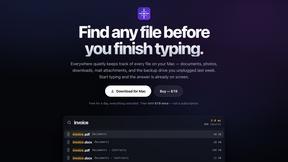
Everywhere
Fast file search for the Mac. Results as you type, files inside Mail and Photos, works with Wi-Fi off. $19 once.
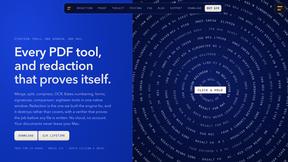
Basalt
Eighteen PDF tools in one native Mac window: merge, split, compress, OCR, Bates numbering, forms, signing and redaction. Offline. $29 once.
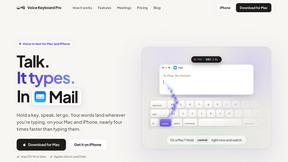
Voice Keyboard Pro
Hold a key, say what you mean, let go. Clean, punctuated text lands at the cursor in any app on your Mac or iPhone.
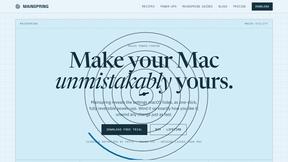
Mainspring
Mainspring turns the settings macOS hides into 90+ one-click, fully reversible power-ups for Finder, Dock, screenshots and more. $29 once.
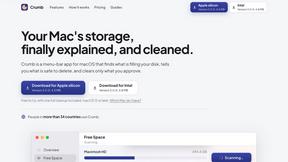
Crumb
A Mac menu bar app for a full disk. See what is using your space, read whether it comes back on its own, and remove only what you tick.
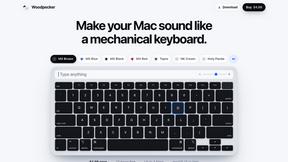
Woodpecker
Make your Mac sound like a real mechanical keyboard. Every key plays its own recording, 22 switches, quiet on calls. $4.99 once.
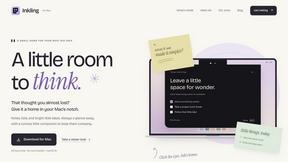
Inkling
Catch a thought without leaving what you are doing. Notes, checklists and a little companion in your Mac's notch. $12 once.
About Plate Photo AI Alternatives
Plate Photo AI is a specialized software tool that uses artificial intelligence to transform ordinary smartphone photos of food into professional-grade, menu-ready images in seconds. It sits in the category of AI-driven image enhancement and food photography software, designed specifically for the restaurant and hospitality industry. Users commonly look for alternatives due to pricing structure concerns, a need for different platform compatibility, or a desire for features like batch processing or specific editing controls not offered in the current tool. Some may also seek solutions that integrate more deeply with their existing website or order management systems, or simply prefer a different creative workflow. When evaluating an alternative, speed and efficiency should be your top priorities. Look for a solution that delivers high-resolution results in under a minute, offers consistent lighting and background styles, and supports simple text-based editing for quick adjustments. The ideal alternative will also provide a clear, predictable pricing model—ideally per-image or subscription—without hidden costs, and should allow you to import photos directly from your website or gallery. Most importantly, ensure the tool can produce images that are on-brand and ready for delivery apps, social media, and menus without requiring any design skills.
FAQs about Plate Photo AI Alternatives
What is Plate Photo AI?
Plate Photo AI is an AI-powered food photography tool that instantly transforms everyday phone photos into professional, menu-ready images. It eliminates the need for a photographer, studio, or design skills by using artificial intelligence to apply consistent lighting, angles, and backgrounds. Users simply upload a photo of their dish and select from professional styles like Cafe, Fine Dining, or Menu Zoom to get a high-resolution image in seconds.
Who is Plate Photo AI for?
Plate Photo AI is designed for restaurants, food businesses, and delivery services that need high-quality food imagery quickly and affordably. It is ideal for owners, marketers, and menu designers who want to improve their online presence without hiring a professional photographer. The tool is built for anyone who needs consistent, on-brand photos for menus, delivery apps, social media, and marketing materials.
Is Plate Photo AI free?
Plate Photo AI is not free; it operates on a per-image pricing model at $0.33 per image. This is significantly more affordable than traditional photo shoots, which can cost between $500 and $2,000 per session. The low cost makes it accessible for restaurants of all sizes to upgrade their food photography on demand without a large upfront investment.
What are the main features of Plate Photo AI?
The main features include instant AI enhancement of phone photos into professional styles like Cafe, Fine Dining, Menu Zoom, or Delivery App. Users can edit any photo with simple text prompts to change lighting, remove ingredients, or add garnishes without using Photoshop. The tool also allows one-click import of existing photos from a website or Google Maps, and ensures every dish stays on-brand with consistent lighting, angles, and backgrounds.