
Mp3To
Convert 30+ audio formats instantly and privately in your browser without uploads, all for free and with top quality.
Visit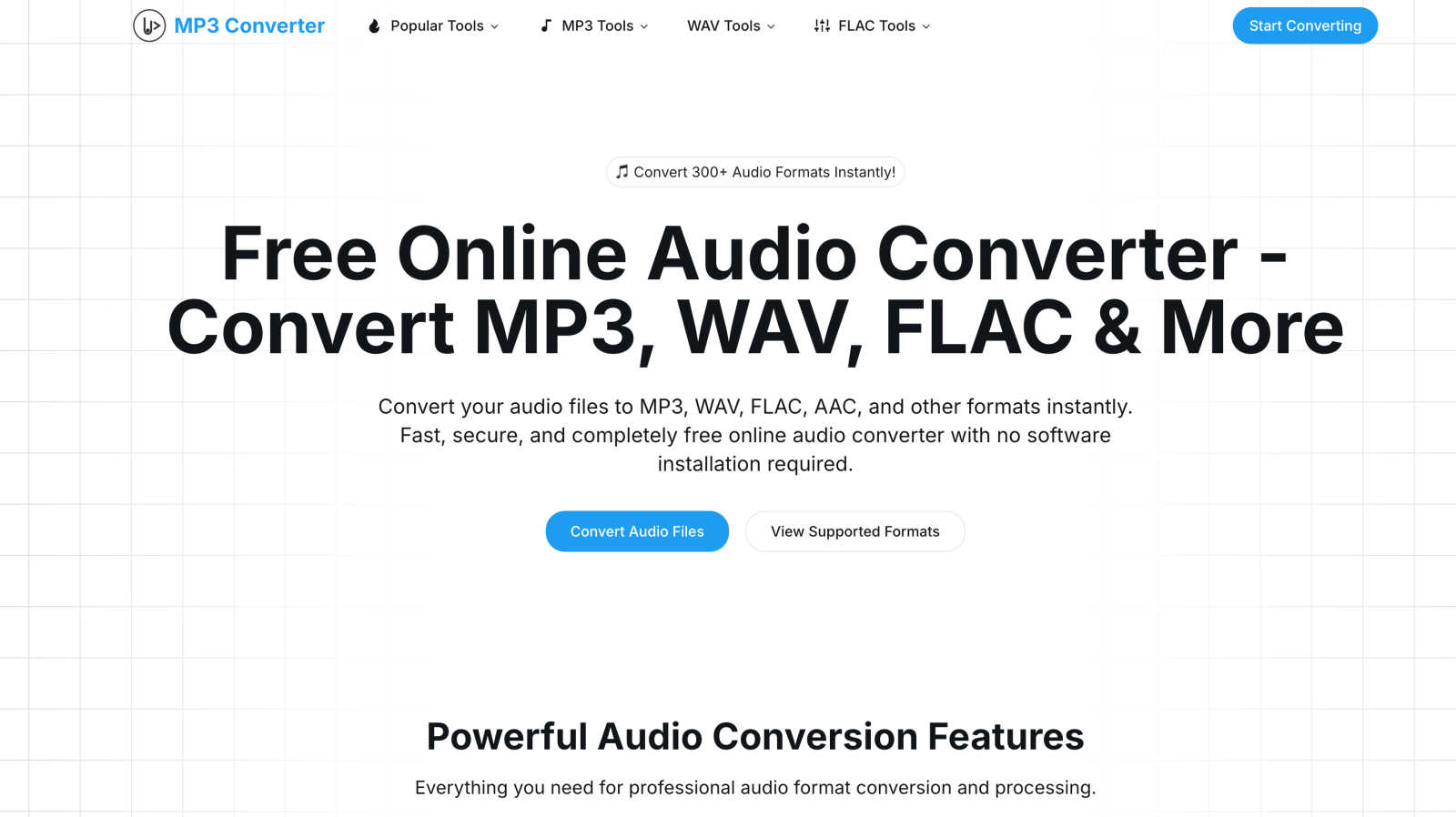
About Mp3To
Mp3To is a revolutionary audio conversion platform designed for speed, efficiency, and privacy. Operating entirely within your web browser, it allows users to convert audio files without the hassle of uploads or software installations. With the power of FFmpeg.wasm technology, Mp3To processes audio files directly on your device, ensuring that your data remains secure and private. It supports more than 30 audio formats, including MP3, WAV, FLAC, AAC, M4A, and OGG, making it suitable for a wide range of users. Whether you're a music producer refining tracks, a podcaster preparing episodes, or just an enthusiast managing a digital audio library, Mp3To provides a seamless experience. Its features include batch processing and customizable quality settings, making it the ultimate tool for quick and precise audio transformations. With a strong emphasis on user privacy, Mp3To guarantees that your files never leave your device, providing a reliable and secure solution for all your audio conversion needs.
Features of Mp3To
Privacy-First Approach
Mp3To prioritizes user privacy by ensuring that all audio processing occurs directly in your browser. Your files never leave your device, providing peace of mind that your data remains secure and confidential throughout the conversion process.
Lightning-Fast Conversions
Thanks to the advanced FFmpeg.wasm technology, Mp3To delivers lightning-fast audio conversions without the need for slow uploads. Users can convert files almost instantly, making it an efficient tool for anyone in need of quick audio transformations.
Support for 30+ Formats
With support for over 30 audio formats, including popular options like MP3, WAV, FLAC, AAC, and OGG, Mp3To caters to a wide variety of audio conversion needs. This versatility makes it an ideal choice for professionals and casual users alike.
Batch Processing Capability
Mp3To allows users to convert multiple audio files simultaneously, streamlining the conversion process. This batch processing feature saves time and effort, enabling users to manage their audio files efficiently and effectively.
Use Cases of Mp3To
Music Production
Music producers can utilize Mp3To to convert and prepare audio tracks in various formats quickly. Whether finalizing mixes or exporting different file types, the platform ensures high-quality results in no time.
Podcasting
Podcasters can benefit from Mp3To's ability to convert and edit audio files efficiently. Whether converting episodes to MP3 or trimming audio clips for social media promotion, the platform streamlines the podcasting workflow.
Digital Library Management
Enthusiasts managing a digital audio library can easily convert files to their preferred formats using Mp3To. This flexibility allows users to organize and access their music collections with ease.
Audio Editing
Mp3To offers tools for audio cutting and merging, making it a great resource for anyone looking to edit audio files. Users can quickly trim unwanted sections or combine multiple tracks into a single file with minimal effort.
Frequently Asked Questions
Is the audio converter really free?
Yes, Mp3To is completely free to use. There are no hidden fees, registration requirements, or limitations on the number of conversions you can perform.
Are my files safe and private?
Absolutely! Mp3To processes files directly in your browser, ensuring that your data never leaves your device. Your privacy and security are top priorities.
What audio formats are supported?
Mp3To supports over 30 audio formats, including MP3, WAV, FLAC, AAC, M4A, OGG, and WMA, allowing users to convert between various formats seamlessly.
Is there a file size limit?
There are no specific file size limits when using Mp3To. Users can convert audio files of varying sizes, making it a flexible option for different audio conversion needs.
Explore more in this category:
Similar to Mp3To

Apps and files on an infinite canvas where people and AI agents work together.

Jev turns text or JSON into Choice, Score and Noul answers with probabilities. Build decision flows, process batches and call the API from one Console

Panzoe is an all-in-one AI platform for personal productivity, business automation, AI assistants, content creation, and custom AI solutions.

A notepad calculator that reads plain text and gives instant answers as you type, free on Mac, iOS, Windows, Linux, Android and Web.


AI Email Filter sorts incoming mail into folders using plain-language prompts you write. Works with any IMAP mailbox; bring your own LLM if you want.

Free collection of online developer utilities, code formatters, and digital converters designed to streamline your daily workflow.

Visual financial timelines for couples and young professionals: model cash flow, life events, and shared goals.