
ImageGenerator
Create and edit AI images online with multiple models, text-to-image, image-to-image, background removal, and upscaling.
Visit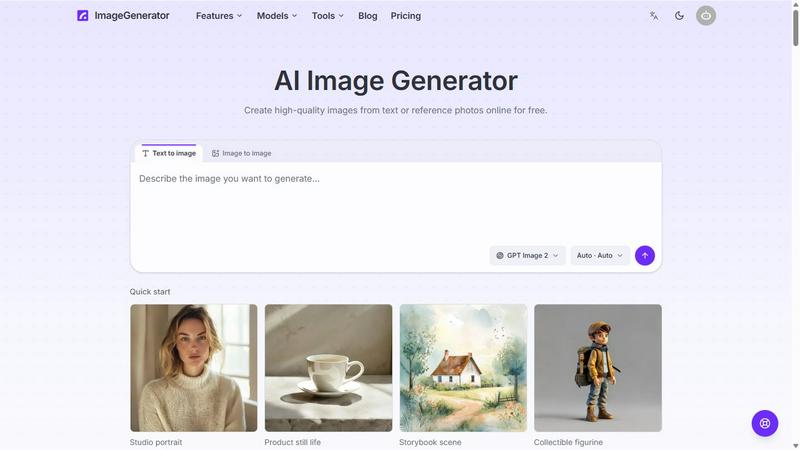
About ImageGenerator
ImageGenerator creates and edits images online from text prompts and reference photos. Switch between multiple AI image models, choose an aspect ratio, and refine results in your browser. Use background removal, 2x and 4x upscaling, image expansion, and style transfer. Results are saved with their prompts and models in a private library for full-resolution download, prompt reuse, and further editing. New users receive free welcome credits; subscriptions and credit packs provide additional credits.
Similar to ImageGenerator

Turn that photo you want into a 4-step drawing lesson.

Check your screen display for dead pixels using White screen or black screen checkers.

AI creative studio for cinematic photo edits, fashion transformations, festive greetings, and photo-to-video concepts.

Upload one photo for a free PSL score and face rating. 47 tools cover face shape, symmetry, color season and more. No signup needed.

Explore your visual type through ten free rounds of fictional faces, with optional portraits, posters and five-second videos.

Cardify turns Markdown into beautiful knowledge cards with 30+ themes, live preview and easy export.

AI video ads, UGC-style videos, and product visuals for cross-border sellers and e-commerce brands.

Promptclay is an AI image generation app with a library of ready-to-use prompts.