

DubVid
DubVid offers multilingual video and audio dubbing for creators and teams, with optional voice cloning, subtitles, and lip-sync.
Categories
Pricing
About DubVid
DubVid is built for people who want to adapt existing recordings for audiences who speak other languages. Its workflow covers uploading audio or video, selecting languages and a voice, then downloading localized outputs. Users can choose a standard AI voice or voice cloning; subtitles and lip-sync are optional. The site's examples span social clips, courses, podcasts, product demos, and support material.
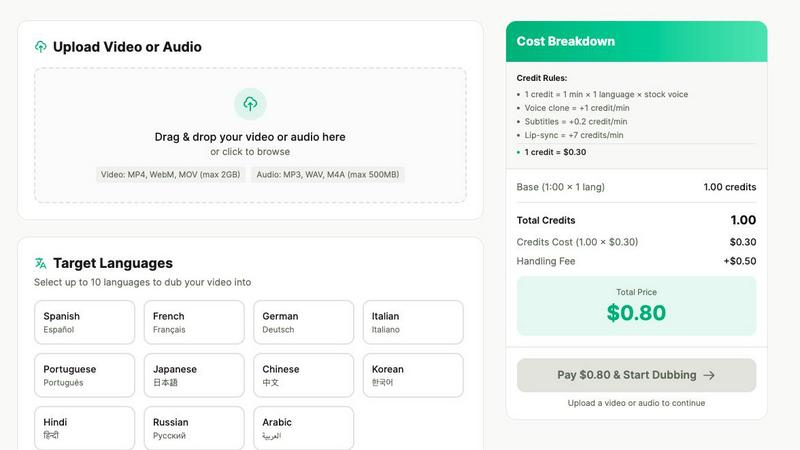
For an initial trial, DubVid offers a 60-second test that does not require an account. Its free-start offer includes two credits. For larger projects, the calculator estimates usage from minutes and language count, with additional credits for selected options. That makes the service's pay-as-you-go structure more suitable to assess against actual project volumes than a flat recurring plan. Supported uploads are capped at 500 MB.
Features
- Dubs audio and video into chosen languages.
- Provides stock AI voice and cloned voice options.
- Optional subtitles and lip-sync for localized outputs.
- Calculator estimates credit use before starting.
Use cases
- Translate short creator videos for international channels.
- Localize recorded classes and instructional content.
- Prepare audio or video podcasts for more listeners.
- Produce multilingual product and customer support walkthroughs.
Frequently asked questions
What does the free test include?
DubVid describes a 60-second test without an account and says its free start includes two credits.
How does the service estimate work?
The calculator uses media length and language count, then adds credits for selected options.
Is this video-only software?
No. The site says it supports audio and video, including MP3 and WAV files.
Similar products
Compare alternatives
FoxyLab
FoxyLab turns chat requests into product videos and banners, with browser editing, multi-format exports and API access on paid plans.

Flux3Max.io
Flux3Max.io turns prompts, photos, or keyframes into short videos with sound, letting creators set duration, aspect ratio, and resolution.
Clean Audio
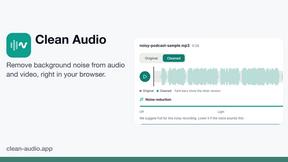
Clean Audio helps podcasters and creators reduce background noise in speech and video using adjustable, on-device browser processing.
LobbyClip
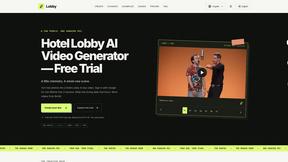
LobbyClip turns two portrait photos into a short AI duo video, with scene templates, adjustable formats and pay-once pricing.

Higgsfield AI
Higgsfield AI turns prompts and product imagery into marketing videos, using templates, image animation, and effects to explore visual directions.

FlipHTML5 Downloader
Extract a PDF from a FlipHTML5 publication and browse a catalog of popular flipbooks, with reading history available alongside the conversion tool.
Cardify
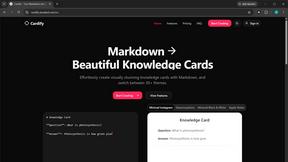
Cardify designs knowledge cards from Markdown with live previews, 30+ themes, and exports in PNG, SVG, or PDF.
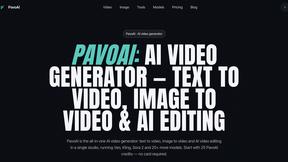
Pavo AI
Pavo AI creates text-prompted videos and images with four model choices, adjustable quality and a shared credit balance.