
ImgEnhancer vs Shrinkpad
Side-by-side comparison to help you choose the right product.

ImgEnhancer
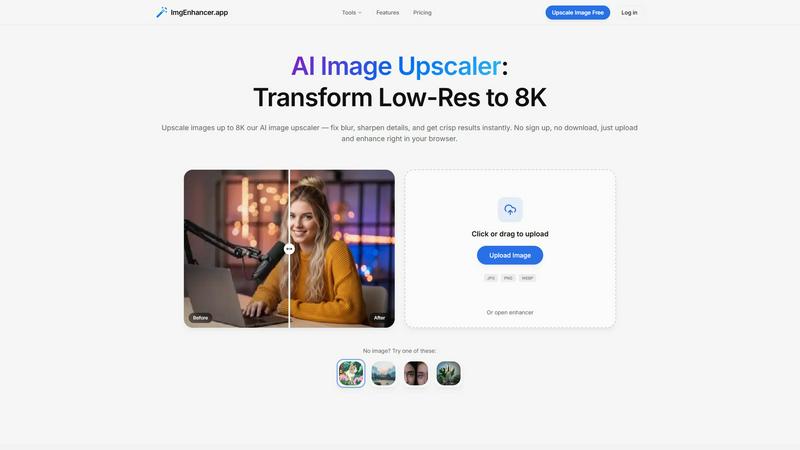
Browser-based AI image upscaler that enhances photos up to 8K in seconds.
Last updated: February 28, 2026

Shrinkpad
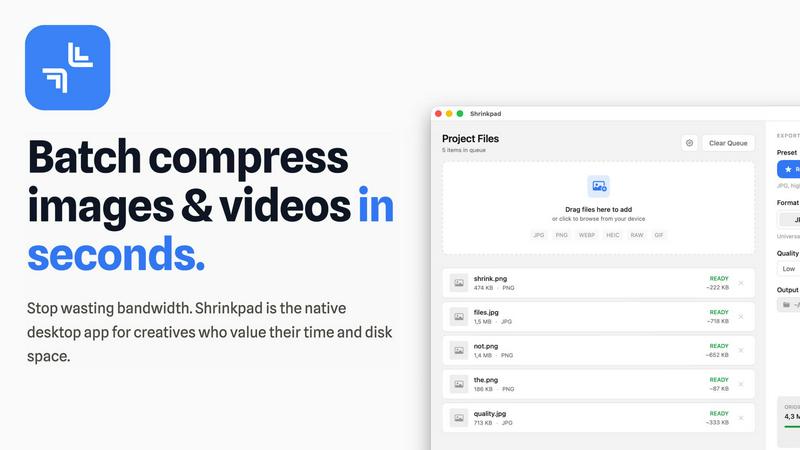
Shrinkpad instantly compresses batches of images and videos on your Mac to save space and time.
Last updated: February 28, 2026
Visual Comparison
ImgEnhancer
Shrinkpad
Overview
About ImgEnhancer
ImgEnhancer is an online AI tool for upscaling and enhancing low-resolution images. It supports JPG, PNG, and WEBP files and lets users choose an output size (1K, 2K, 4K, or 8K) before processing. The upscaler improves clarity, reduces blur, and keeps edges and textures looking natural. It runs directly in the browser on desktop and mobile, so no software installation is needed. Optional tools include background removal and old photo restoration for common cleanup tasks. Typical use cases include e-commerce product photos, social media images and thumbnails, marketing creatives, real-estate listings, and print-ready assets.
About Shrinkpad
Shrinkpad is the ultimate batch compression powerhouse built exclusively for macOS. It slashes through the tedious work of optimizing images and videos, delivering lightning-fast results without sacrificing quality. Designed for photographers, designers, developers, and content creators, it transforms hours of manual busywork into a task that takes seconds. Simply drag and drop hundreds of files or entire folders, and Shrinkpad compresses them in a flash, reducing sizes by up to 90% while preserving visual integrity. Every operation happens locally on your Mac using native Apple frameworks, guaranteeing complete privacy—your files never touch the cloud. With seamless support for over 50 formats, including RAW photos and 4K videos, Shrinkpad is the essential tool for reclaiming disk space, speeding up websites, and streamlining your entire media workflow with unmatched efficiency.
Alternatives
ImgEnhancer Alternatives
ImgEnhancer is a browser-based AI image upscaler, designed to instantly transform low-resolution photos into crisp, high-definition visuals up to 8K. It operates in the fast-paced category of online image enhancement tools, where speed and accessibility are paramount. Users get professional-grade clarity and detail without any software downloads. People often seek alternatives for various reasons. Some need a different pricing model or a specific feature not offered, while others may require desktop software instead of a web app. Platform compatibility, processing speed for bulk images, and the need for more specialized editing tools are all common drivers for exploring other options. When evaluating other tools, key factors include output quality and speed, supported file formats, and maximum resolution. Consider your budget, whether you need batch processing, and if additional AI features like background removal are essential. The goal is to find a solution that matches your workflow's velocity without compromising on the enhanced results you expect.
Shrinkpad Alternatives
Shrinkpad is a powerful batch compression tool for macOS, squarely in the image and video optimization category. It excels at slashing file sizes locally and at lightning speed, making it a favorite for Mac users who prioritize efficiency and privacy. Users often explore alternatives for various reasons. Some may need a tool that works across Windows or online platforms, while others might seek different pricing models or specific advanced features not present in their current solution. The quest for the perfect fit is common in any software category. When evaluating an alternative, key factors to consider are processing speed, format support, and whether it operates locally or in the cloud. Your ideal choice should match your platform, respect your budget, and deliver the quality control you need without slowing down your creative workflow.