
LinkedIn Speak vs Unicode to Bamini Converter
Side-by-side comparison to help you choose the right product.

LinkedIn Speak
AI-Powered LinkedIn Style Converter & Multilingual Translator

Unicode to Bamini Converter
Free online Tamil font converter. Instantly convert between Unicode, Bamini, TSCII, Anjal, and 20+ Tamil encodings. No download required.
Visual Comparison
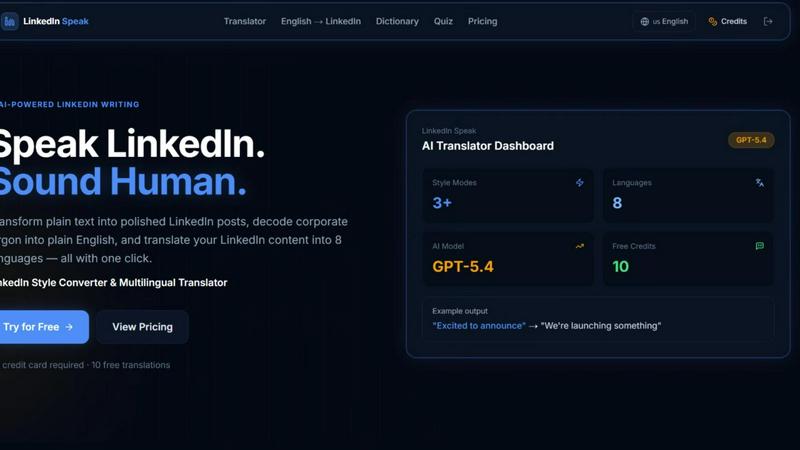
LinkedIn Speak
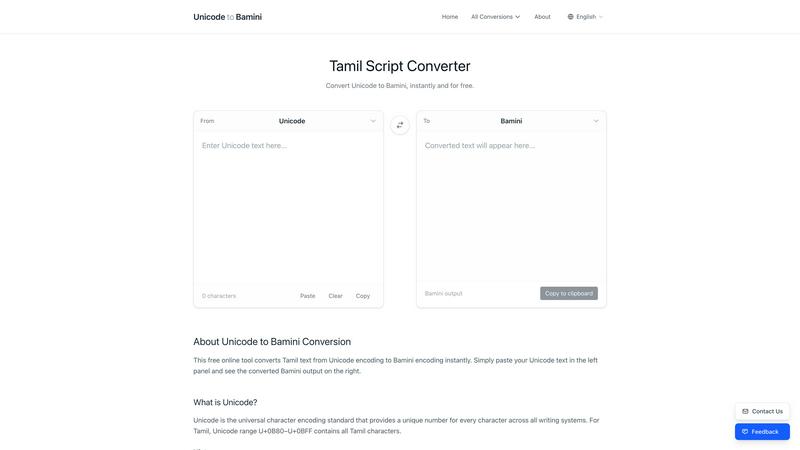
Unicode to Bamini Converter
Overview
About LinkedIn Speak
LinkedIn Speak is an AI-powered tool that converts plain text into polished LinkedIn posts, decodes corporate jargon into plain language, and translates LinkedIn content into 8 languages — all in one click.
About Unicode to Bamini Converter
Unicode to Bamini Converter is a free, web-based tool designed for converting Tamil text between 25+ font encodings instantly.
Key Features:
- Convert between Unicode, Bamini, TSCII, Anjal, TAB, Dinamani, Murasoli, and 20+ other Tamil font formats
- Instant real-time conversion with no page reloads
- Complete character mapping table for every encoding pair
- No software download or installation required
- Works on desktop and mobile devices
- Available in 5 languages: English, Tamil, Sinhala, Hindi, and Chinese
Who It's For:
Tamil publishers, journalists, and content creators who need to convert legacy Tamil documents (Bamini, TSCII) to modern Unicode format. Also useful for developers, researchers, and anyone working with Tamil text across different encoding systems.
Why It Exists:
Thousands of Tamil documents, newspapers, and archives still use legacy font encodings like Bamini and TSCII. These files require the original fonts installed to display correctly. Converting them to Unicode ensures they are accessible on any modern device, browser, or platform without font dependencies.