
AutoPhish vs Receipt Generator
Side-by-side comparison to help you choose the right product.

AutoPhish empowers your team with AI-driven phishing simulations to identify vulnerabilities and enhance security.
Last updated: March 1, 2026

Receipt Generator
Create and customize realistic receipts in seconds with 400+ free templates for business, creative, and personal use.
Last updated: April 4, 2026
Visual Comparison
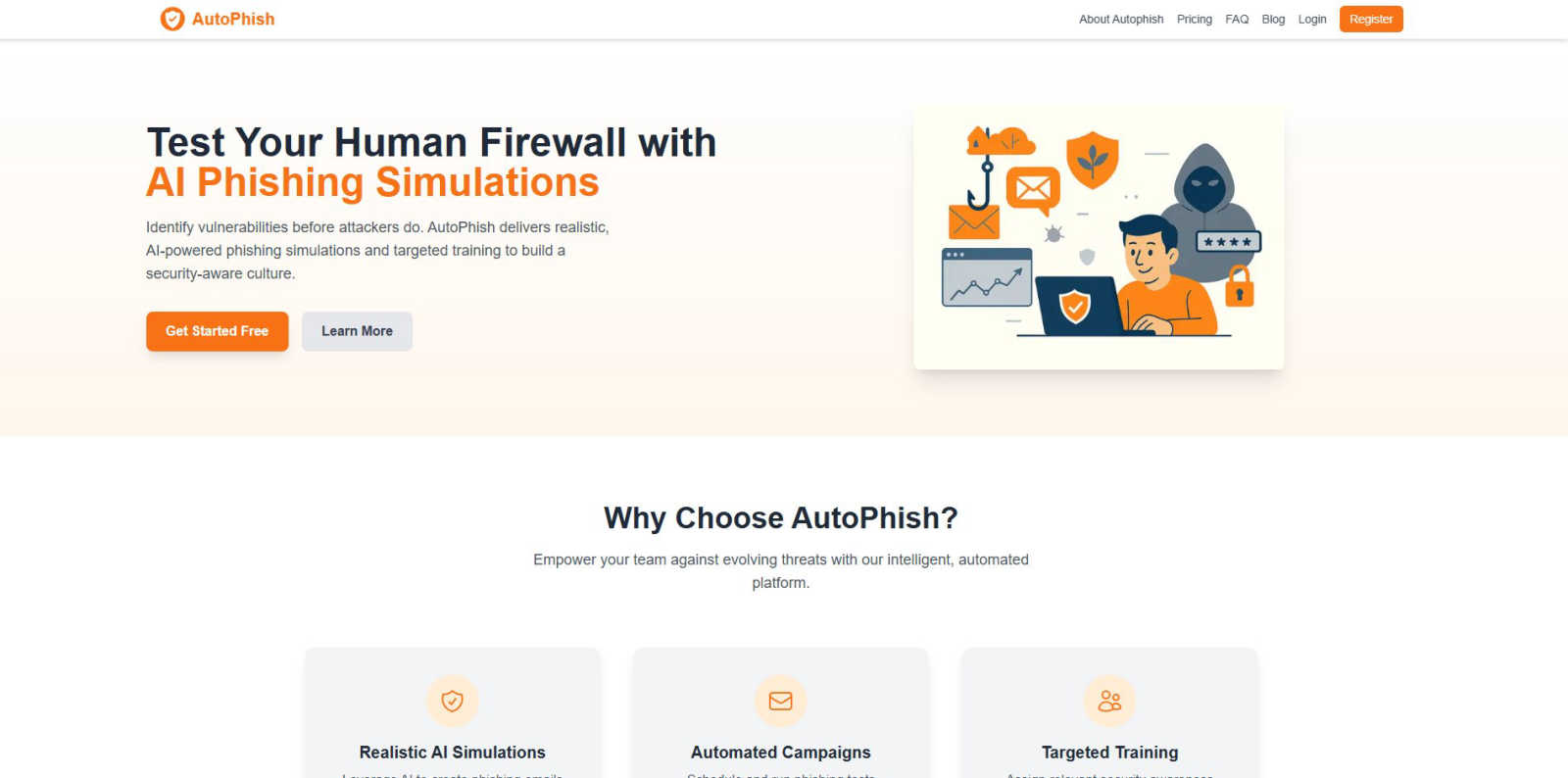
AutoPhish
Receipt Generator

Feature Comparison
AutoPhish
Realistic AI Simulations
AutoPhish harnesses cutting-edge AI technology to create phishing emails that closely mimic actual attacks. These hyper-realistic simulations are tailored to your specific industry, ensuring that your team encounters threats that they are likely to face in real life.
Automated Campaigns
With AutoPhish, you can schedule and run phishing tests automatically, eliminating the need for manual intervention. This feature ensures consistent training and allows your organization to maintain a proactive stance against evolving cyber threats while saving valuable time.
Targeted Training
After users interact with a simulation, AutoPhish's intelligent engine automatically assigns relevant security awareness training based on individual results and roles. This targeted approach enhances the learning experience, ensuring that users receive the specific training they need to strengthen their defenses.
Advanced Reporting
AutoPhish provides advanced reporting capabilities that give you detailed insights into user performance and organizational vulnerabilities. This feature allows you to track progress over time and make informed decisions about future training and testing strategies.
Receipt Generator
Extensive Template Library
With over 400 professionally designed templates, Receipt Generator covers a vast array of stores and restaurants. This wide selection ensures that you always have the perfect starting point for your receipt creation needs.
AI "Place in Scene" Feature
The unique AI "Place in Scene" feature allows users to create realistic images of receipts placed on any surface, such as a desk or counter. This eliminates the need for printing and enhances the visual context of your receipts for various uses.
Full Customization Options
Receipt Generator empowers users with complete control over every aspect of their receipts. Customize line items, prices, taxes, payment methods, and more to ensure your receipt meets your exact specifications.
Instant Download Capability
Experience the convenience of lightning-fast downloads with just one click. Export your finished receipt in high-resolution PNG or PDF formats without waiting, ensuring you can use your receipts immediately.
Use Cases
AutoPhish
Employee Training
Organizations can utilize AutoPhish to conduct regular phishing simulations, helping employees recognize phishing attempts and respond appropriately. This continuous training builds a culture of security awareness among staff.
Incident Response Preparedness
By simulating real-world phishing attacks, AutoPhish prepares teams for potential incidents, ensuring they know how to respond effectively. This proactive approach minimizes the risk of successful attacks and enhances overall incident response strategies.
Risk Assessment
AutoPhish enables organizations to identify vulnerabilities within their workforce. By analyzing simulation results, companies can pinpoint weak areas and implement targeted training to address specific risks.
Compliance Training
With regulatory compliance becoming increasingly critical, organizations can leverage AutoPhish to fulfill training requirements. The platform helps ensure that employees are aware of security protocols and best practices to maintain compliance.
Receipt Generator
Business Expense Tracking
Small business owners can utilize Receipt Generator to create accurate receipts for expense tracking and documentation. This helps in maintaining organized financial records and simplifies tax preparation.
Creative Projects and Mockups
Content creators can benefit from the AI "Place in Scene" feature to generate realistic receipts for social media posts, blogs, or video content. This adds a professional touch and elevates the quality of visual projects.
Inventory Documentation
Resellers can use Receipt Generator to document inventory purchases with authentic-looking receipts. This is essential for tracking expenses and managing stock effectively, ensuring a transparent operation.
Personal Use and Budgeting
Individuals can create receipts for personal budgeting. Whether it's tracking household expenses or documenting gifts, Receipt Generator makes it easy to keep financial records organized and accessible.
Overview
About AutoPhish
AutoPhish is your rapid-response, AI-driven solution designed to empower organizations in the fight against cyber threats. In today’s fast-paced digital landscape, where phishing attacks are increasing in sophistication, AutoPhish stands out as a command center for building a robust human firewall. Tailored specifically for IT teams, security officers, and business leaders, this platform automates security awareness testing and training. It generates hyper-realistic phishing simulations that reflect the exact tactics used by malicious actors, customized to your industry’s unique challenges. By automating the entire campaign lifecycle, AutoPhish enables organizations to run consistent phishing tests without manual overhead, saving critical time and resources. When users engage with a simulation, the intelligent engine quickly identifies vulnerabilities and assigns targeted training, creating a seamless loop of testing and education. This proactive approach cultivates a security-aware culture that strengthens defenses against real threats before they strike.
About Receipt Generator
Receipt Generator is the ultimate online tool for creating customized receipts in seconds. With over 400 store-specific templates ranging from Walmart and Starbucks to CVS and Best Buy, users can easily generate authentic-looking receipts tailored to their needs. Whether you're a small business owner, freelancer, content creator, or reseller, Receipt Generator provides the flexibility to edit every detail, including items, prices, dates, and payment methods, before instantly downloading high-resolution PNG files. No account is needed to get started, making it incredibly accessible for anyone. What truly sets Receipt Generator apart is its innovative AI "Place in Scene" feature, which allows users to generate photorealistic images of their receipts on various surfaces, enhancing their visual appeal for projects, documentation, or social media. With lightning-fast performance and a user-friendly interface, Receipt Generator has become the go-to tool for over 10,000 satisfied users worldwide.
Frequently Asked Questions
AutoPhish FAQ
What types of phishing simulations does AutoPhish offer?
AutoPhish provides a variety of realistic phishing simulations that mimic real-world attacks. These simulations are tailored to your specific industry, ensuring that your team is prepared for the threats they are likely to encounter.
How does AutoPhish automate the training process?
The platform automatically assigns targeted security awareness training based on the results of each phishing simulation. This ensures that users receive relevant training that addresses their specific vulnerabilities and roles.
Can I customize the phishing tests?
Yes, AutoPhish allows you to configure campaigns by choosing from various templates, targeting specific user groups, and scheduling tests according to your organization’s needs.
Is there a free trial available for AutoPhish?
Yes, AutoPhish offers a free trial, allowing you to get started with phishing simulations without any upfront cost. This enables you to experience the platform's capabilities before committing to a paid plan.
Receipt Generator FAQ
Can I use Receipt Generator for personal use?
Yes, Receipt Generator is designed for legitimate business, creative, and personal use, allowing users to create customized receipts for various purposes.
Do I need to create an account to use the Receipt Generator?
No, you do not need to create an account to start using Receipt Generator. You can begin generating receipts immediately without any sign-up process.
How does the AI "Place in Scene" feature work?
The AI "Place in Scene" feature allows you to generate photorealistic images of your receipts placed on different surfaces, giving a realistic look without the need for printing.
What formats can I download my receipts in?
You can download your receipts in high-resolution PNG or PDF formats, ensuring you have the flexibility to use them as needed without compromising quality.
Alternatives
AutoPhish Alternatives
AutoPhish is a cutting-edge platform that leverages AI to automate phishing simulations and security training, designed to fortify organizations against evolving cyber threats. As businesses increasingly recognize the importance of cybersecurity, users often seek alternatives for various reasons, including budget constraints, specific feature requirements, or compatibility with existing systems. When exploring alternatives, it's crucial to consider aspects such as the effectiveness of the phishing simulations, the flexibility of campaign management, and the relevance of assigned training to ensure robust security awareness.
Receipt Generator Alternatives
Receipt Generator is a powerful online tool designed for creating custom receipts. It falls under the Productivity & Management category, offering users over 400 templates from well-known stores like Walmart and Starbucks. Many users seek alternatives to Receipt Generator for various reasons, such as pricing, specific features that may better suit their needs, or platform compatibility. When choosing an alternative, consider factors like ease of use, customization options, and whether the tool meets your particular requirements for generating receipts. When looking for a receipt generator alternative, prioritize tools that provide a wide selection of templates, flexibility in design, and quick download options. It's also important to assess the level of customer support and any additional features that can enhance your experience, such as AI capabilities or unique presentation options. A well-rounded alternative should cater to both individual and business needs effectively.