
AI Photo Generator vs ImgEnhancer
Side-by-side comparison to help you choose the right product.


ImgEnhancer
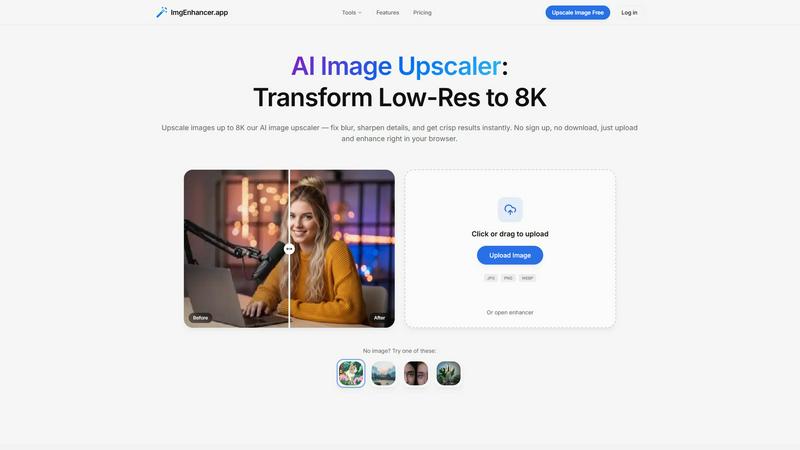
Browser-based AI image upscaler that enhances photos up to 8K in seconds.
Last updated: February 28, 2026
Visual Comparison
AI Photo Generator

ImgEnhancer
Overview
About AI Photo Generator
About AI Photo Generator
Transform Your Ideas into Visual Reality
AI Photo Generator (aiphotogenerator.dev) is an industry-leading creative platform that harnesses the power of advanced neural networks to turn simple text and photos into professional-grade digital art. We believe that creativity shouldn't be limited by technical skill, so we built a tool that makes high-end design accessible to everyone.
What Sets Us Apart?
Prompt-to-Masterpiece: Our fine-tuned AI models interpret your natural language prompts with high accuracy, delivering images that match your vision—from the lighting and composition to the smallest details.
Infinite Style Library: Whether you need ultra-realistic photography, vibrant anime aesthetics, classic oil paintings, or futuristic 3D renders, our platform offers a massive library of styles to suit any project.
Seamless Photo Transformation: Beyond text, you can upload existing images to restyle them. Turn a simple selfie into a professional LinkedIn headshot or an epic cinematic character.
Lightning-Fast Processing: Stop waiting for renders. Our optimized cloud architecture ensures your images are generated in seconds, not minutes.
Who Is It For?
Content Creators: Generate unique, copyright-free thumbnails and social media assets.
Marketers & Entrepreneurs: Create stunning visuals for ads, websites, and presentations on a budget.
About ImgEnhancer
ImgEnhancer is an online AI tool for upscaling and enhancing low-resolution images. It supports JPG, PNG, and WEBP files and lets users choose an output size (1K, 2K, 4K, or 8K) before processing. The upscaler improves clarity, reduces blur, and keeps edges and textures looking natural. It runs directly in the browser on desktop and mobile, so no software installation is needed. Optional tools include background removal and old photo restoration for common cleanup tasks. Typical use cases include e-commerce product photos, social media images and thumbnails, marketing creatives, real-estate listings, and print-ready assets.