
AI Photo Assistant vs ImgEnhancer
Side-by-side comparison to help you choose the right product.

AI Photo Assistant
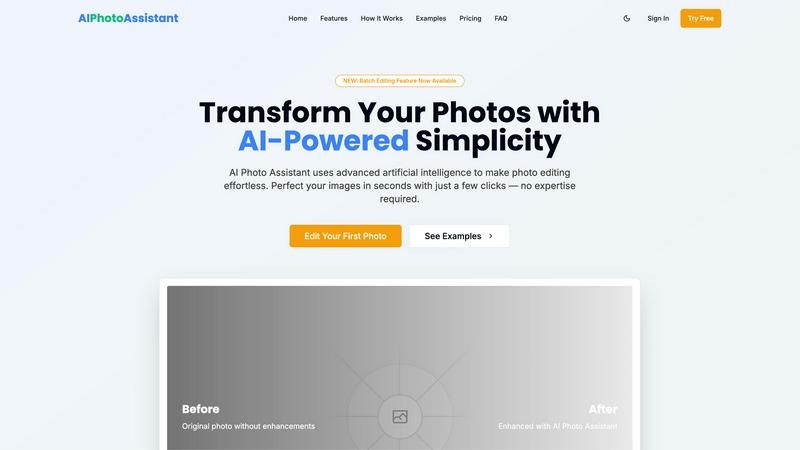
Transform ordinary photos into professional images instantly with one click AI.
Last updated: February 28, 2026

ImgEnhancer
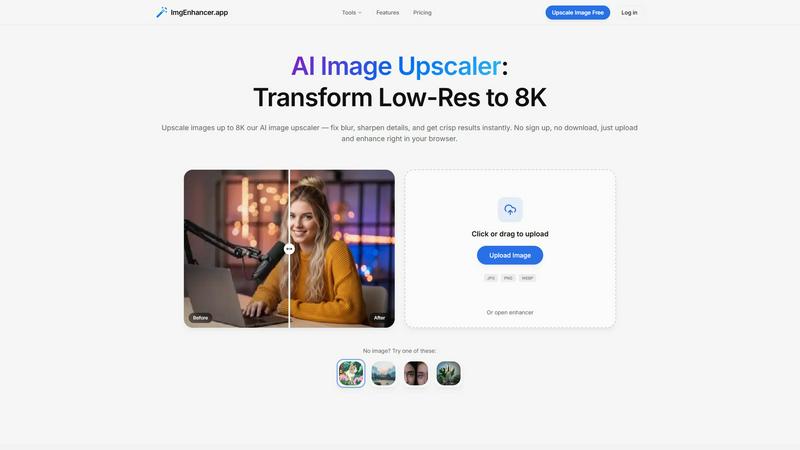
Browser-based AI image upscaler that enhances photos up to 8K in seconds.
Last updated: February 28, 2026
Visual Comparison
AI Photo Assistant
ImgEnhancer
Overview
About AI Photo Assistant
AI Photo Assistant is the definitive lightning-fast, AI-powered photo editing platform engineered to deliver professional-quality results in mere seconds. It completely eliminates the complexity, time drain, and steep learning curve of traditional editing software. By leveraging advanced artificial intelligence, neural networks, and machine learning, the platform intelligently analyzes your images to automatically perfect them. With just one click, it applies optimal, studio-grade adjustments to critical elements like brightness, contrast, saturation, color balance, and composition, transforming dull or amateur shots into stunning, polished visuals. Designed with speed and efficiency as its core principles, it caters specifically to social media content creators who need to polish their feed rapidly, small business owners requiring high-quality product photos without a photography budget, busy professionals editing multiple images for reports or presentations, and anyone without technical skills who desires expert-level results. Its core value proposition is uncompromising: achieve professional, visually captivating edits faster than ever thought possible, with zero manual effort and no prior experience required.
About ImgEnhancer
ImgEnhancer is an online AI tool for upscaling and enhancing low-resolution images. It supports JPG, PNG, and WEBP files and lets users choose an output size (1K, 2K, 4K, or 8K) before processing. The upscaler improves clarity, reduces blur, and keeps edges and textures looking natural. It runs directly in the browser on desktop and mobile, so no software installation is needed. Optional tools include background removal and old photo restoration for common cleanup tasks. Typical use cases include e-commerce product photos, social media images and thumbnails, marketing creatives, real-estate listings, and print-ready assets.
Alternatives
AI Photo Assistant Alternatives
AI Photo Assistant is a one-click AI photo editing platform that transforms ordinary images into professional-grade visuals instantly. It belongs to the category of AI-powered creative assistants, designed for speed and automated perfection. Users often seek alternatives for various reasons, including budget constraints, the need for more specialized editing tools, compatibility with different operating systems, or a preference for more hands-on control over the editing process. When evaluating other options, key factors to consider are the core value proposition. Prioritize tools that match your primary need, whether that's raw speed, a specific feature like advanced retouching, a particular pricing model, or seamless integration with your existing workflow. The goal is to find a solution that delivers the quality and efficiency you require without unnecessary complexity or cost.
ImgEnhancer Alternatives
ImgEnhancer is a browser-based AI image upscaler, designed to instantly transform low-resolution photos into crisp, high-definition visuals up to 8K. It operates in the fast-paced category of online image enhancement tools, where speed and accessibility are paramount. Users get professional-grade clarity and detail without any software downloads. People often seek alternatives for various reasons. Some need a different pricing model or a specific feature not offered, while others may require desktop software instead of a web app. Platform compatibility, processing speed for bulk images, and the need for more specialized editing tools are all common drivers for exploring other options. When evaluating other tools, key factors include output quality and speed, supported file formats, and maximum resolution. Consider your budget, whether you need batch processing, and if additional AI features like background removal are essential. The goal is to find a solution that matches your workflow's velocity without compromising on the enhanced results you expect.