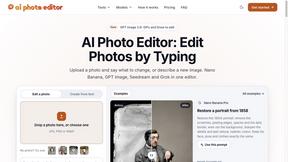
AI Photo Editor
An online AI photo editor where you type what you want. Remove objects, swap backgrounds, restore old photos and restyle portraits.

An online AI photo editor where you type what you want. Remove objects, swap backgrounds, restore old photos and restyle portraits.
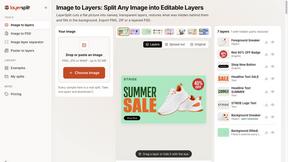
Split a flat image into named, transparent layers with the background filled in. Export PNG files, a ZIP or a layered PSD. Your first split is free.
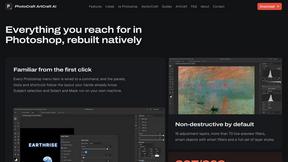
Independent guide to PhotoCraft, a free, open-source Photoshop-style image editor with PSD/PSB support for macOS, Windows and Linux.

Discover the best free online tools with ToolSuite Pro. Explore AI, productivity, marketing, SEO, writing, business, and software tools in one place.

Smart online AI video generator transforming prompts and photos into dynamic video clips.
Create bold, dimensional metal lettering with adjustable finishes, depth, lighting, angle, spacing, and transparent PNG export.
Check your screen display for dead pixels using White screen or black screen checkers.
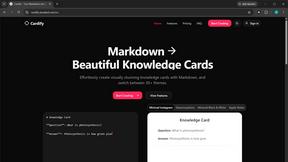
Cardify turns Markdown into beautiful knowledge cards with 30+ themes, live preview and easy export.

31,000+ free AI image prompt templates for GPT Image 2, Nano Banana and Seedream. Copy any prompt, or generate images and videos online.

Clone any webpage pixel-perfect, export HTML/CSS/ZIP or React/Vue components.
Explore open-source creative software by workflow, platform and development stage, with comparisons and official project links.
Generate iOS and Android app icons from any image and export all platform sizes for free.
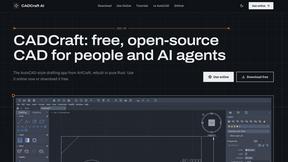
Free open-source 2D CAD for precise drafting, technical documentation, and AI-assisted automation.
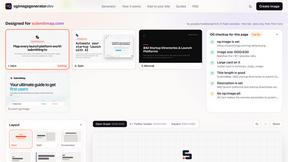
Paste a URL and AI designs on-brand Open Graph images from your page's colours, fonts and logo. Free, no sign-up.
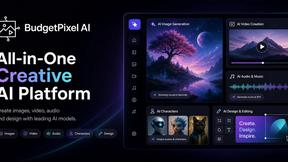
Create and edit AI images, videos, music, and designs in one workspace, with multiple models, reusable characters, and API access.
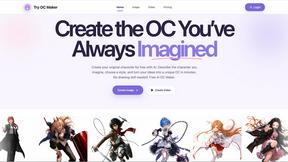
Create OCs from text or images, customize their look, and turn them into animated videos with AI.
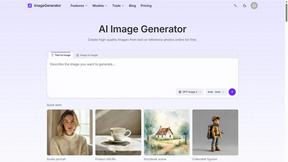
Create and edit AI images online with multiple models, text-to-image, image-to-image, background removal, and upscaling.

Turn a photo of your pet into new pictures or short animations with AI. Sign in for a free 1K image daily.
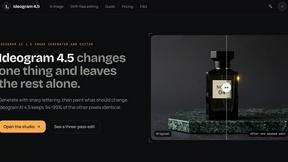
AI image generation and editing with precise typography, native 2K output, and localized edits.
SimpleDraw is a free, browser-based tool for creating precise scale drawings and floor plans. It belongs to the category of lightweight, accessible design software, offering professional-grade accuracy without the complexity of traditional CAD programs. Its core mission is to deliver speed and eliminate friction in the drafting process. Users often explore alternatives for various reasons. Some may require advanced features beyond basic floor plans, need offline desktop software, or seek tools integrated with specific project management ecosystems. Others might be evaluating different pricing models, as SimpleDraw's free model is a key part of its appeal. When choosing an alternative, prioritize your specific workflow needs. Consider the required precision level, the complexity of your projects, and whether you need collaboration features or platform-specific apps. The goal is to find a tool that matches your project's demands without sacrificing the efficiency and speed that tools like SimpleDraw provide.
SimpleDraw is a free, powerful web tool for creating accurate scale drawings and floor plans instantly in your browser, without downloads or accounts.
It's designed for DIY enthusiasts, homeowners, interior designers, and hobbyists who need to visualize projects with precision but want to avoid complex CAD software.
Yes, SimpleDraw is a completely free online tool with no software to download and no account required to start creating.
Key features include instant browser-based access, a dedicated floor plan mode for walls and openings, and smart alignment tools for precision control.