Goshortsai AI Creative Studio
Turn photos into AI videos for free with Goshortsai. Sign in daily for free credits, upload an image, describe the motion, and generate.

Turn photos into AI videos for free with Goshortsai. Sign in daily for free credits, upload an image, describe the motion, and generate.
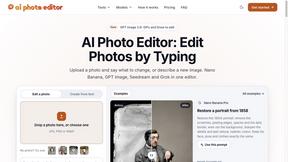
An online AI photo editor where you type what you want. Remove objects, swap backgrounds, restore old photos and restyle portraits.
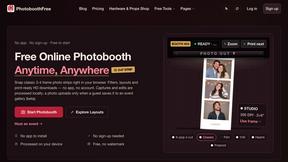
Shoot 3-4 frame photo strips in your browser. Frames, filters and print-ready 300 DPI downloads with no watermark. No app, no sign-up.
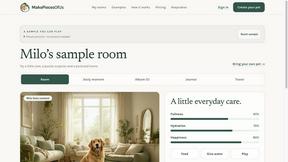
Turn your pet's photos into a private virtual room, daily care, albums and dated memories.
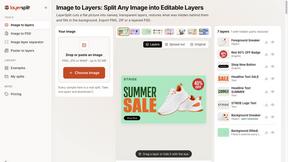
Split a flat image into named, transparent layers with the background filled in. Export PNG files, a ZIP or a layered PSD. Your first split is free.
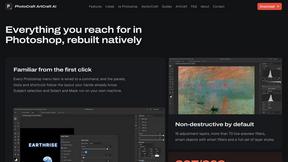
Independent guide to PhotoCraft, a free, open-source Photoshop-style image editor with PSD/PSB support for macOS, Windows and Linux.
Create bold, dimensional metal lettering with adjustable finishes, depth, lighting, angle, spacing, and transparent PNG export.
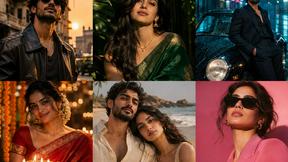
AI creative studio for cinematic photo edits, fashion transformations, festive greetings, and photo-to-video concepts.
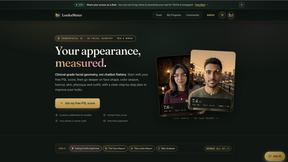
Upload one photo for a free PSL score and face rating. 47 tools cover face shape, symmetry, color season and more. No signup needed.
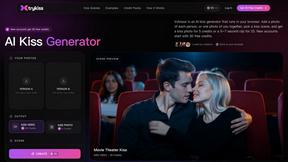
AI kiss generator: add a photo of each person, pick a kiss scene, and get a kiss photo or a 5–7 second clip. 30 free credits.
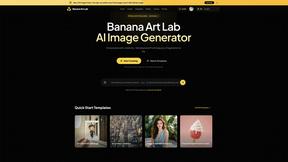
Create and edit AI images with Nano Banana models, GPT Image 2, prompt templates and a node-based canvas.
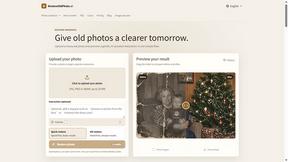
Restore old photos with RestoreOldPhoto.ai: repair scratches, creases and fading, sharpen faces and details, and optionally colorize family memories.
Free AI age filter: upload an adult portrait, add 10-40 years, meet your older self. No app needed.
Generate iOS and Android app icons from any image and export all platform sizes for free.
Create AI images from text or reference photos and turn prompts or still images into short videos with FreeCreate. Start free—no account needed.
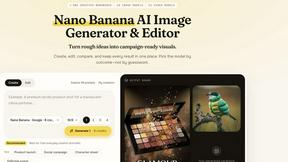
Create and edit AI images, generate videos, and compare models in one creative workbench.
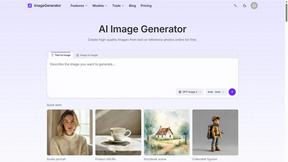
Create and edit AI images online with multiple models, text-to-image, image-to-image, background removal, and upscaling.
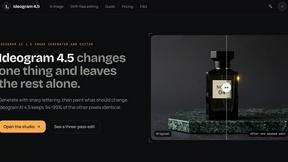
AI image generation and editing with precise typography, native 2K output, and localized edits.
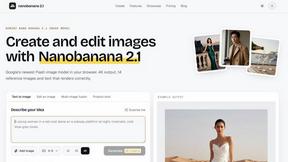
A fast image studio for creating and editing high-quality images with accurate details, readable text, and consistent characters.
PoseUp is an AI-powered photo enhancement tool in the image and photo category. It specializes in one-click optimization to instantly improve posture, composition, and style, turning ordinary shots into professional-looking images. Users often seek alternatives for various reasons. This includes needing different pricing models, access to more specialized editing features, or compatibility with specific platforms and workflows. It's a common step to find the perfect tool that aligns with individual needs and budgets. When evaluating other options, prioritize core capabilities. Look for reliable AI pose correction, support for your common file formats, and a straightforward user experience. The goal is to find a tool that delivers quality enhancements with speed and efficiency, minimizing your editing time.
PoseUp is a cutting-edge AI-powered tool that instantly enhances photos by improving posture, composition, and style with one-click optimization.
It's for a diverse audience, from casual users taking selfies to professional photographers wanting to elevate their portfolio and create compelling visual content.
PoseUp offers free credits to get started, making it accessible for users to try its photo enhancement features.
Key features include one-click photo enhancement, AI pose correction, support for multiple image formats like JPG and PNG, and an active Discord community for engagement.