Goshortsai AI Creative Studio
Turn photos into AI videos for free with Goshortsai. Sign in daily for free credits, upload an image, describe the motion, and generate.

Turn photos into AI videos for free with Goshortsai. Sign in daily for free credits, upload an image, describe the motion, and generate.
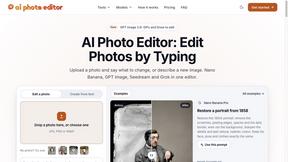
An online AI photo editor where you type what you want. Remove objects, swap backgrounds, restore old photos and restyle portraits.
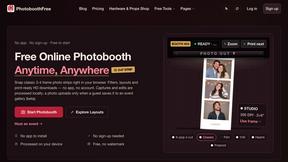
Shoot 3-4 frame photo strips in your browser. Frames, filters and print-ready 300 DPI downloads with no watermark. No app, no sign-up.
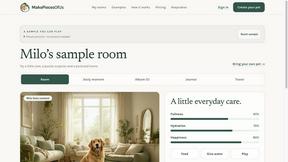
Turn your pet's photos into a private virtual room, daily care, albums and dated memories.
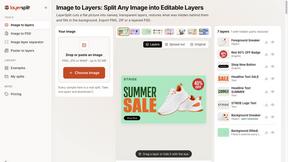
Split a flat image into named, transparent layers with the background filled in. Export PNG files, a ZIP or a layered PSD. Your first split is free.
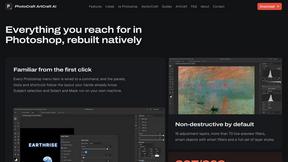
Independent guide to PhotoCraft, a free, open-source Photoshop-style image editor with PSD/PSB support for macOS, Windows and Linux.
Create bold, dimensional metal lettering with adjustable finishes, depth, lighting, angle, spacing, and transparent PNG export.
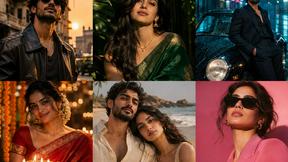
AI creative studio for cinematic photo edits, fashion transformations, festive greetings, and photo-to-video concepts.
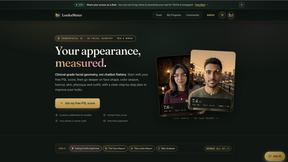
Upload one photo for a free PSL score and face rating. 47 tools cover face shape, symmetry, color season and more. No signup needed.
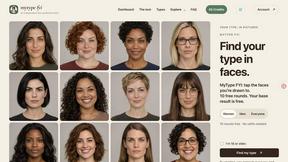
Explore your visual type through ten free rounds of fictional faces, with optional portraits, posters and five-second videos.
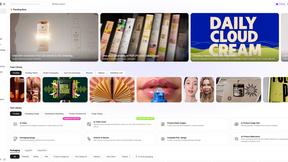
AI video ads, UGC-style videos, and product visuals for cross-border sellers and e-commerce brands.
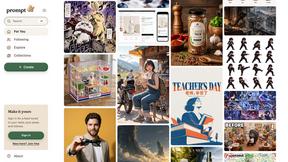
Promptclay is an AI image generation app with a library of ready-to-use prompts.
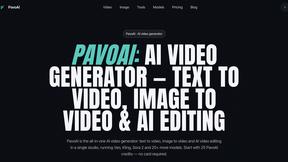
All-in-one AI video creation platform for text-to-video, image-to-video, editing, avatars, music, subtitles, and upscaling.

Turn two photos into a cinematic AI kissing video. Pick one of 13 kiss video templates; 30 free credits on sign-up.
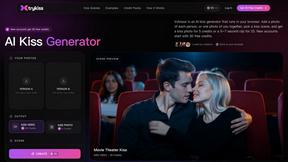
AI kiss generator: add a photo of each person, pick a kiss scene, and get a kiss photo or a 5–7 second clip. 30 free credits.
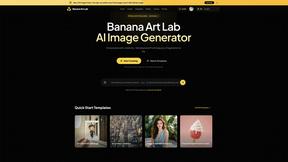
Create and edit AI images with Nano Banana models, GPT Image 2, prompt templates and a node-based canvas.
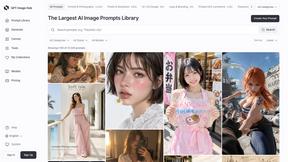
31,000+ free AI image prompt templates for GPT Image 2, Nano Banana and Seedream. Copy any prompt, or generate images and videos online.
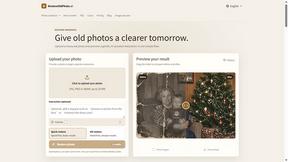
Restore old photos with RestoreOldPhoto.ai: repair scratches, creases and fading, sharpen faces and details, and optionally colorize family memories.
All-in-one AI workspace to generate images, videos, and audio with multiple leading AI models.
Img Editor is a cutting-edge AI image generation platform designed to create stunning visuals in seconds. As part of the Image & Photo category, it empowers artists, designers, and content creators to turn their ideas into reality without the financial barriers typically associated with professional-grade tools. Users frequently seek alternatives due to factors such as pricing, specific feature sets, or compatibility with different platforms. When choosing an alternative, it's essential to consider the tool's speed and efficiency, the quality of its output, and the range of features it offers. Look for platforms that provide user-friendly interfaces, advanced customization options, and robust community support to enhance your creative workflow.
Img Editor is a free AI image generation platform that allows users to create stunning visuals quickly and efficiently.
Img Editor is designed for artists, designers, marketers, and anyone looking to generate high-quality images based on their ideas.
Yes, Img Editor is completely free to use, providing users with 10 free image generations daily.
Key features include dual-mode AI generation, an advanced prompt generator, a public gallery for inspiration, and high-quality output controls.