Greatooly
Discover useful apps for everyday life. Start with our iPhone picks and explore features, pricing notes, and official sources.

Discover useful apps for everyday life. Start with our iPhone picks and explore features, pricing notes, and official sources.

Hide AI Overviews in desktop Chrome while keeping your regular Google results.
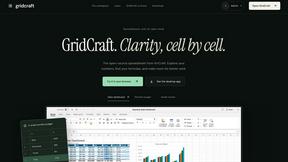
Free open-source spreadsheet app for exploring, editing, and analyzing XLSX workbooks in browser or on desktop.
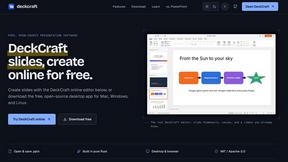
Free, open-source presentation editor for creating and presenting slides online or on desktop.
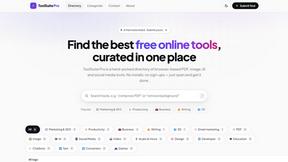
Discover the best free online tools with ToolSuite Pro. Explore AI, productivity, marketing, SEO, writing, business, and software tools in one place.
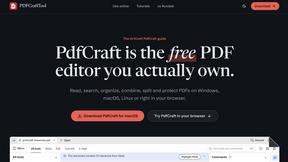
Free, open-source PDF editor for Windows, macOS, Linux, FreeBSD, and modern browsers with local privacy-focused tools.
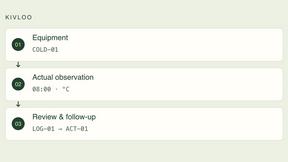
Workplace and food safety software for daily checks on phones, with photo evidence and inspection records across every site.
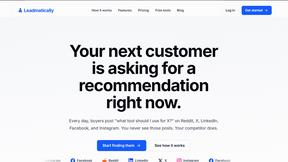

GigUp helps freelancers discover relevant Upwork jobs through AI matching, automated monitoring, and instant alerts.

Convert any FlipHTML5 flipbook into a high-quality PDF online - free, open source, no signup.
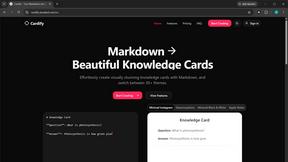
Cardify turns Markdown into beautiful knowledge cards with 30+ themes, live preview and easy export.

AI-powered platform that evaluates the safety of LinkedIn automation tools and helps reduce the risk of account restrictions.

Timers and hourly checks to figure how out long until a certain time or how many days away.

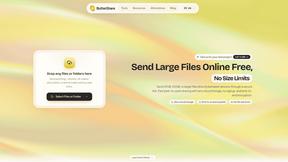
Send files straight between two browsers with a 6-digit key. No signup, no install, nothing stored on a server.
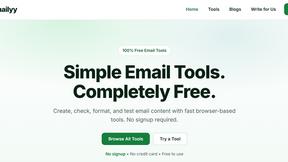
Free email tools for signatures, subject lines, HTML previews, word counts, and email headers. Browser-based, simple to use, and no signup required.

Clone any webpage pixel-perfect, export HTML/CSS/ZIP or React/Vue components.
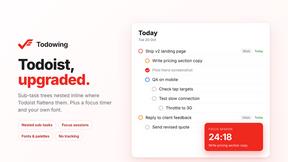
Chrome extension that nests sub-tasks inline in Todoist's Today, Upcoming, Filter and Label views, where Todoist shows them flat.
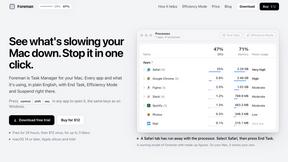
See every app and what it's using in plain English, and end or slow down the one that's hogging your Mac.

Clip pages, take full-page screenshots and batch-capture list data to Notion, Feishu, Obsidian, Markdown, CSV or JSON.
Beesift is a productivity-focused Chrome extension that extracts goal-aligned insights from webpages. It cuts through information overload by highlighting only the content that matters to your objectives, all while prioritizing user privacy with local data storage. Users often seek alternatives for various reasons. Some need different pricing models, specific integrations, or features beyond a browser extension. Others may require support for different platforms or have unique workflow demands that necessitate a different tool. When evaluating an alternative, focus on core efficiency. Prioritize tools that offer precise, actionable output without fluff. Strong privacy policies and seamless, non-disruptive integration into your existing browsing habits are also critical for maintaining a fast, focused workflow.
Beesift is a Chrome extension that extracts actionable insights from webpages, helping you focus on content relevant to your personal or professional goals.
It's for students, professionals, and founders who need to cut through online clutter and transform browsing into efficient, goal-oriented research.
Yes. Beesift does not track browsing history or log visited sites; all insights and goals are stored locally in your browser for complete confidentiality.
Its core feature is delivering goal-aligned, actionable extracts instead of generic summaries, enabling immediate application of insights.