Greatooly
Discover useful apps for everyday life. Start with our iPhone picks and explore features, pricing notes, and official sources.

Discover useful apps for everyday life. Start with our iPhone picks and explore features, pricing notes, and official sources.
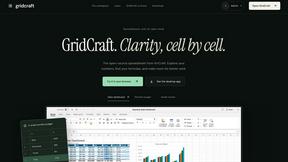
Free open-source spreadsheet app for exploring, editing, and analyzing XLSX workbooks in browser or on desktop.
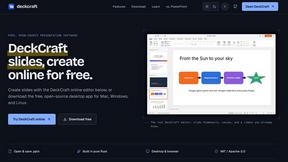
Free, open-source presentation editor for creating and presenting slides online or on desktop.
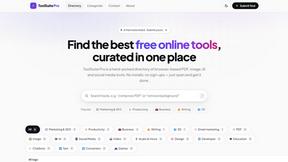
Discover the best free online tools with ToolSuite Pro. Explore AI, productivity, marketing, SEO, writing, business, and software tools in one place.
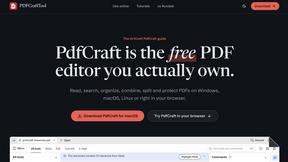
Free, open-source PDF editor for Windows, macOS, Linux, FreeBSD, and modern browsers with local privacy-focused tools.
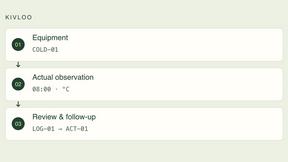
Workplace and food safety software for daily checks on phones, with photo evidence and inspection records across every site.
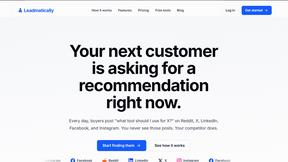

GigUp helps freelancers discover relevant Upwork jobs through AI matching, automated monitoring, and instant alerts.

Convert any FlipHTML5 flipbook into a high-quality PDF online - free, open source, no signup.
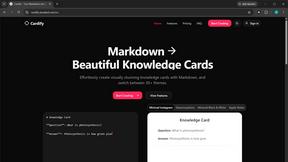
Cardify turns Markdown into beautiful knowledge cards with 30+ themes, live preview and easy export.

AI-powered platform that evaluates the safety of LinkedIn automation tools and helps reduce the risk of account restrictions.
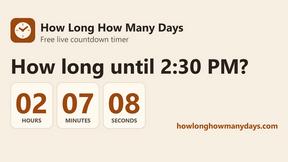
Timers and hourly checks to figure how out long until a certain time or how many days away.

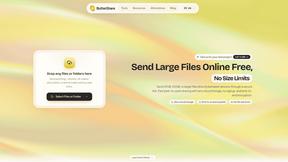
Send files straight between two browsers with a 6-digit key. No signup, no install, nothing stored on a server.
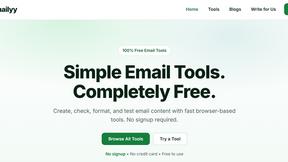
Free email tools for signatures, subject lines, HTML previews, word counts, and email headers. Browser-based, simple to use, and no signup required.
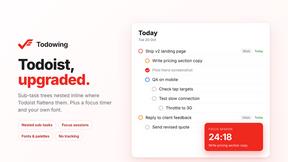
Chrome extension that nests sub-tasks inline in Todoist's Today, Upcoming, Filter and Label views, where Todoist shows them flat.
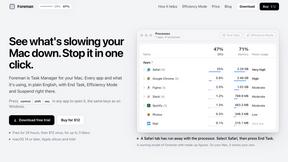
See every app and what it's using in plain English, and end or slow down the one that's hogging your Mac.

Clip pages, take full-page screenshots and batch-capture list data to Notion, Feishu, Obsidian, Markdown, CSV or JSON.
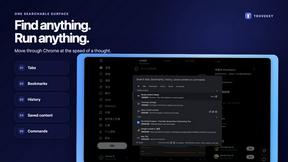
Search tabs, Chrome bookmarks and history, run browser commands, and save webpages and social posts locally—no account.
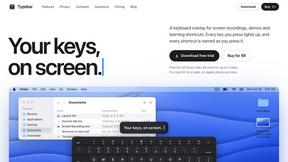
Every key you press lights up on an on-screen keyboard, and each shortcut is named. For screen recordings, demos and learning shortcuts.
Ai Watermark Remover is an advanced online tool that specializes in swiftly eliminating watermarks, logos, and text from images, making it a valuable asset in the productivity and management category. Users often seek alternatives to this tool due to various reasons, such as pricing structures, specific feature sets, or compatibility with different platforms. When choosing an alternative, users should consider factors like processing speed, the ability to maintain image quality, and the overall user experience to ensure they find a tool that meets their needs efficiently. --- [{"question": "What is Ai Watermark Remover?", "answer": "Ai Watermark Remover is an advanced online tool designed to quickly and effectively remove watermarks, logos, and text from images."}, {"question": "Who is Ai Watermark Remover for?", "answer": "It is suitable for photographers, designers, marketers, and anyone needing high-quality, clean images without distractions."}, {"question": "Is Ai Watermark Remover free?", "answer": "Yes, Ai Watermark Remover is free to use and does not require any sign-up."}, {"question": "What are the main features of Ai Watermark Remover?", "answer": "Key features include smart AI detection, quality preservation, lightning-fast processing, and a privacy-first approach."}]